Your name.blogaly.uk address
Every site gets a free address at name.blogaly.uk. How names work, which ones you can’t use, and what happens when you add your own domain.
Who can do this: Everyone, on every plan. You choose the name when you create your site.
When you create a site in your dashboard, the name you type becomes its address. northern-ledger gives you northern-ledger.blogaly.uk, and your site’s admin lives at northern-ledger.blogaly.uk/admin. HTTPS is on from the start.
Choosing a name
- 3 to 30 characters long.
- Lowercase letters, numbers and dashes only. Capitals are turned into lowercase for you.
- It must start and end with a letter or a number, so
-ledgerandledger-won’t work. - Each name belongs to one site. If someone already has it, you’ll need another.
If the name doesn’t fit the rules, your browser may stop you before anything is sent, with a message such as “Please match the requested format”. Check for spaces, capitals you can’t see, dots or underscores.
Names you can’t use
Some names are kept back because Blogaly uses them itself, or because they could be mistaken for us. If you pick one, you’ll see That name is reserved. Try another. They include:
- Names we run services on, such as
www,api,app,admin,dash,dashboard,docs,forum,status,static,mailandstripe. - Names that could look official, such as
blogaly,help,support,billing,account,login,signup,securityandabuse. - Email and system names such as
postmaster,hostmaster,webmaster,autodiscoverandmta-sts. - A few internal names (
demo,staging,rehearsal) and anything starting withlaunchcheck. - Any name with two dashes in the third and fourth places, such as
ab--cdorxn--…. These are set aside for international domain names.
If your name is refused
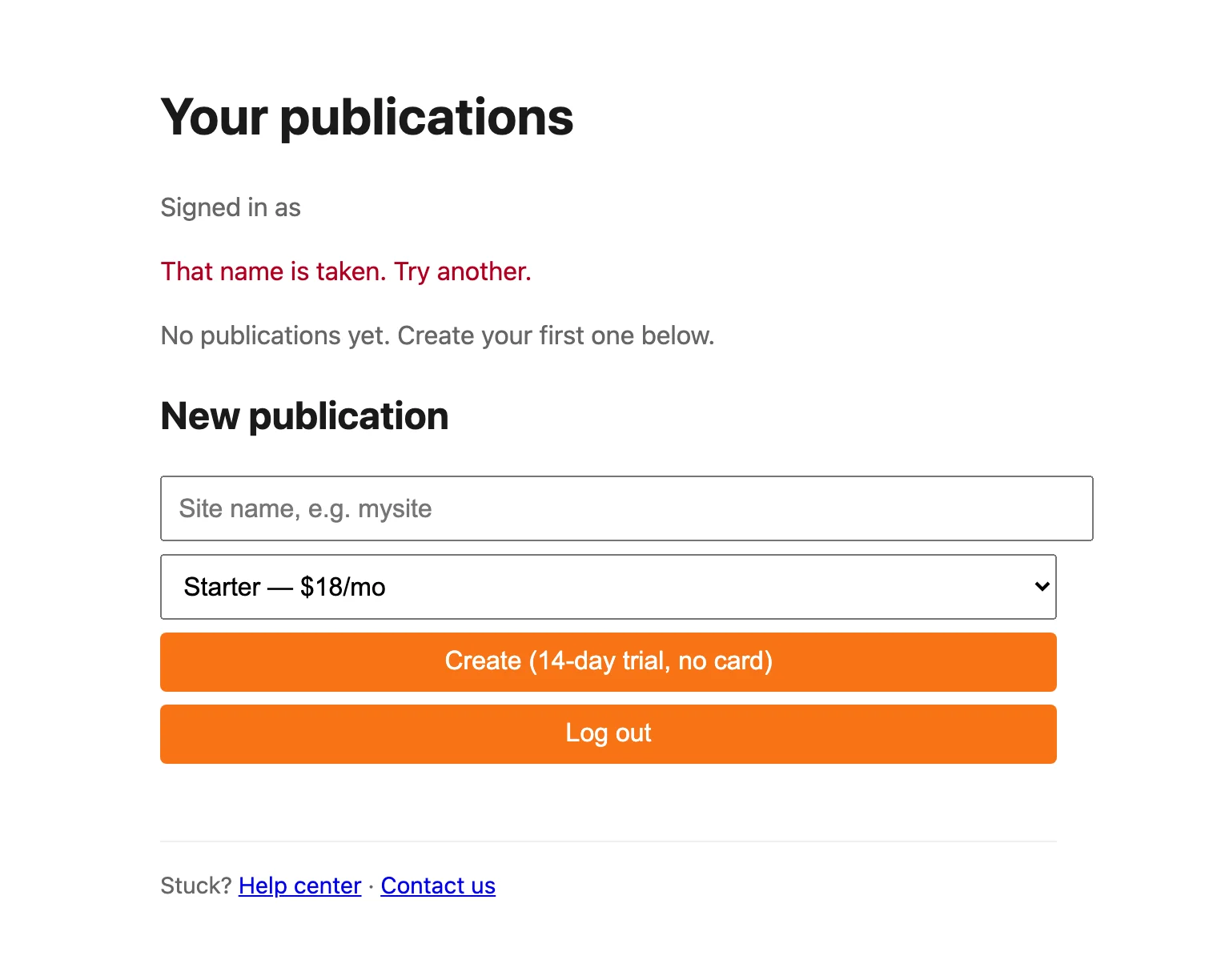
| Message | What to do |
|---|---|
| That name is taken. Try another. | Someone has it already. Pick a different name. |
| That name is reserved. Try another. | See the list above and pick a different name. |
| Use 3–30 lowercase letters, numbers, or dashes, starting and ending with a letter or number. | Fix the name to match the rules above. |
| Pick a plan to continue. | Choose Starter, Publisher or Business from the menu. |
| Your account can have 1 publication. Contact us to add more. | Each account has one site. See plans and limits. |
| Too many attempts. Try again in a few minutes. | Wait ten minutes, then try again. |
| Several attempts failed today. Contact us and we will sort it out. | Contact us. We’ll look at what went wrong. |
| We are creating a lot of publications right now. Try again in a few minutes. | Wait a few minutes and try again. Nothing was charged. |
| New trials are paused for a short while. Contact us to get started. | Contact us and we’ll get you set up. |
| Billing setup failed. No charge was made — try again. | Try again. If it keeps happening, contact us. |
Changing your address
You can’t rename a site from the dashboard. If you want a different address, the usual answer is to connect your own domain. Your blogaly.uk address then matters much less. If you really need a new blogaly.uk name, contact us.
When you add your own domain
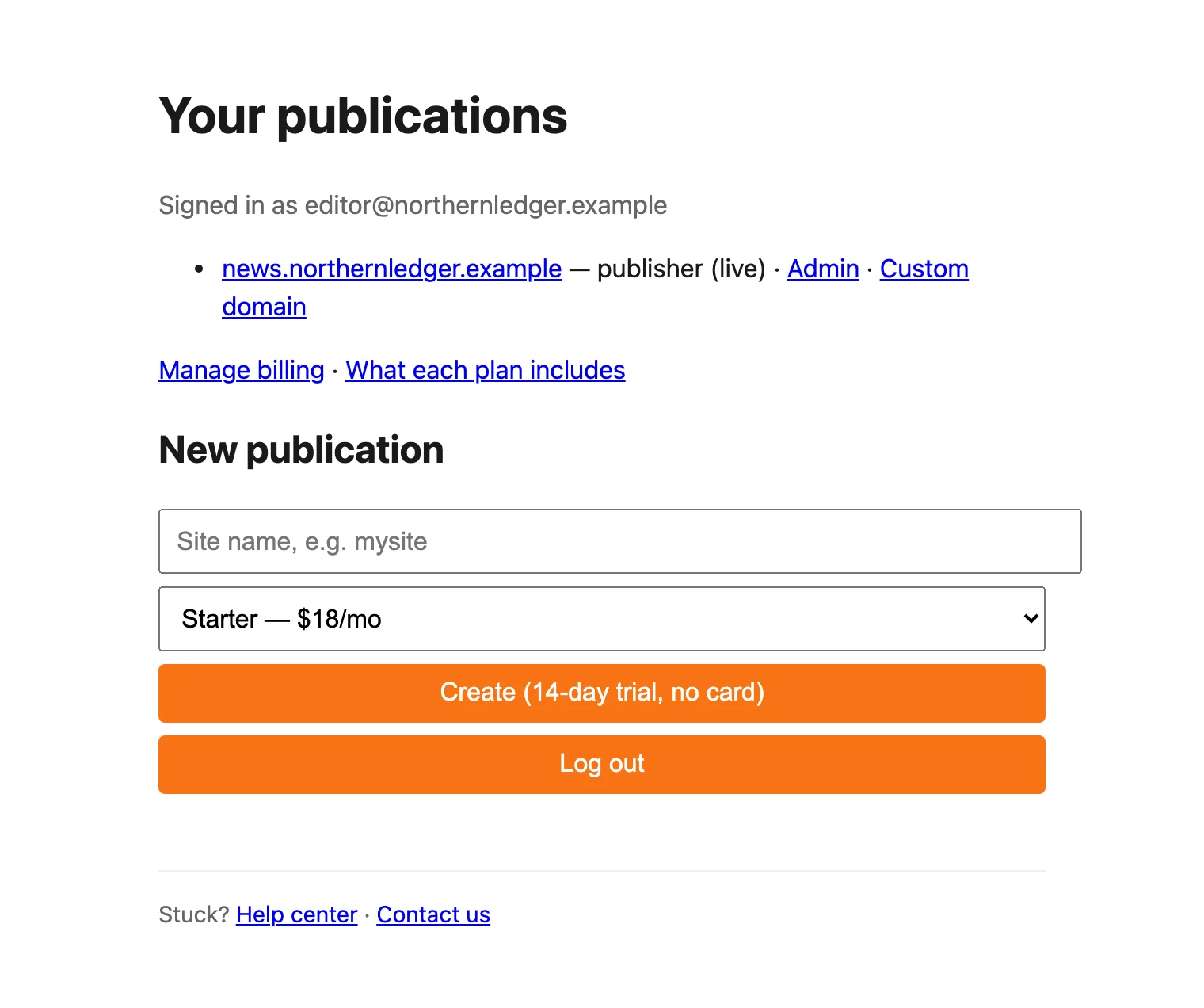
Once a custom domain is connected, your dashboard lists the site by that domain, and both addresses serve the same site. Your blogaly.uk address keeps working, and so does your admin at your-name.blogaly.uk/admin.
Last checked against the product on 7 November 2026.
Related
Still stuck?
Tell us what you were trying to do and what you saw, and we’ll help you sort it out.
Contact us