Integrations and API keys
Connect Slack, Unsplash, Zapier, Transistor.fm and FirstPromoter, and create API keys and webhooks for your own tools.
Who can do this: Administrators and the site owner. Zapier, Transistor.fm and custom integrations need the Publisher or Business plan.
Integrations connect your site to other services. Go to Settings → Advanced → Integrations. The Built-in tab lists ready-made connections; the Custom tab holds the API keys you create for your own tools.
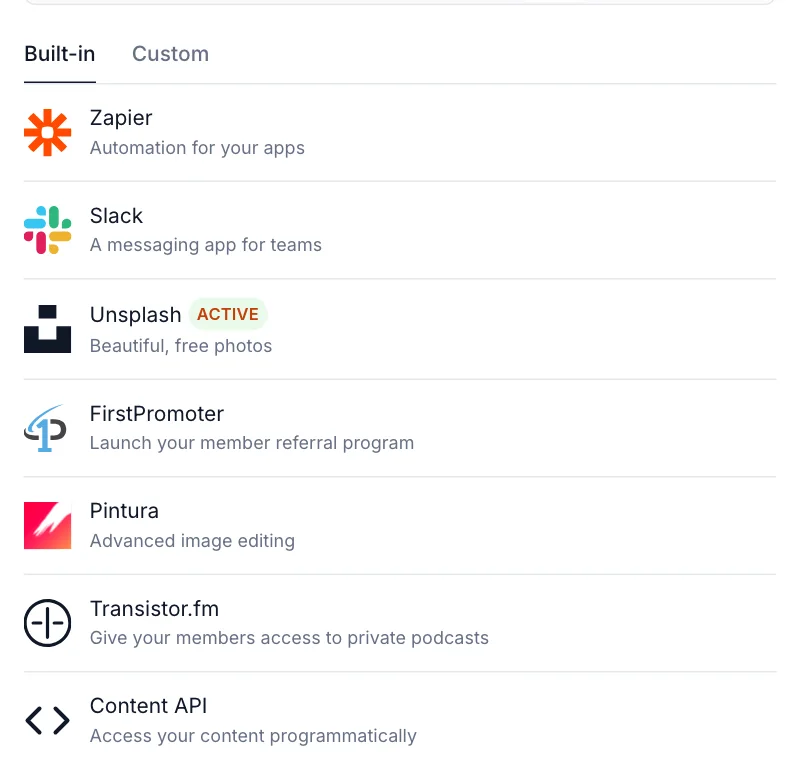
What each plan includes
| Integration | Starter | Publisher and Business |
|---|---|---|
| Slack, Unsplash, FirstPromoter, Pintura, Content API | Yes | Yes |
| Zapier, Transistor.fm | No | Yes |
| Custom integrations (Admin API keys, webhooks) | No | Yes |
On Starter, the locked integrations are greyed out with an Upgrade button. See plans and what each includes.
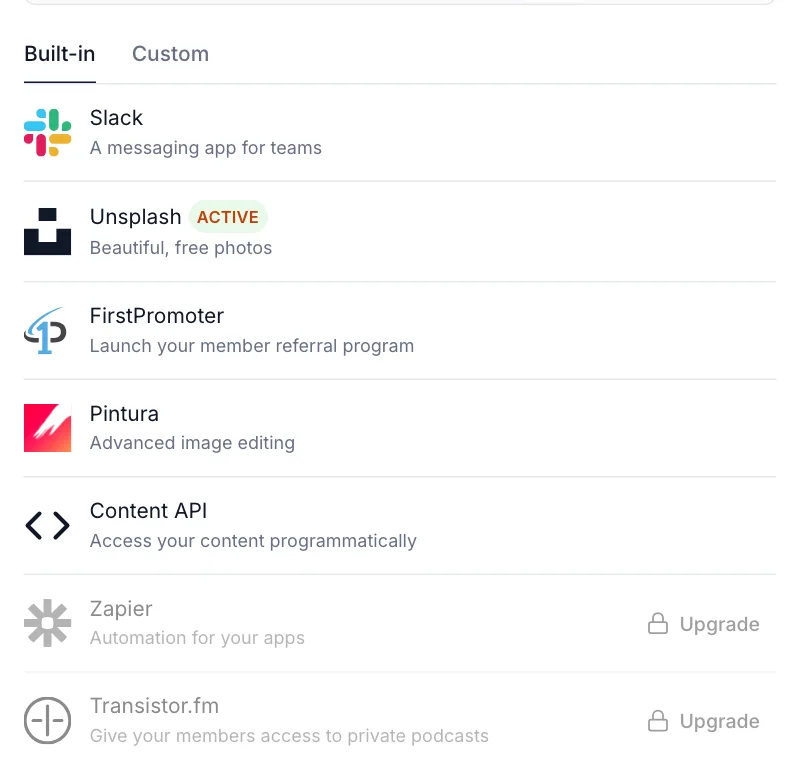
Built-in integrations
| Integration | What it does | What you need |
|---|---|---|
| Slack | Posts a message to a Slack channel each time you publish. Works with Slack-compatible tools such as Discord and Mattermost. | An incoming webhook address from Slack. Paste it in Webhook URL, choose a Username, select Save, then Send test notification. |
| Unsplash | Lets you search and insert free Unsplash photos from the editor, with credit added for you. | Nothing. It’s on for new sites; switch it off here if you don’t want it. |
| FirstPromoter | Tracks referrals for a member referral or affiliate programme. | A FirstPromoter account. See set up FirstPromoter. |
| Pintura | Adds advanced image editing (crop, rotate, annotate) inside the editor. | Your own Pintura licence. Upload the pintura-umd.js and pintura.css files from the Pintura package. |
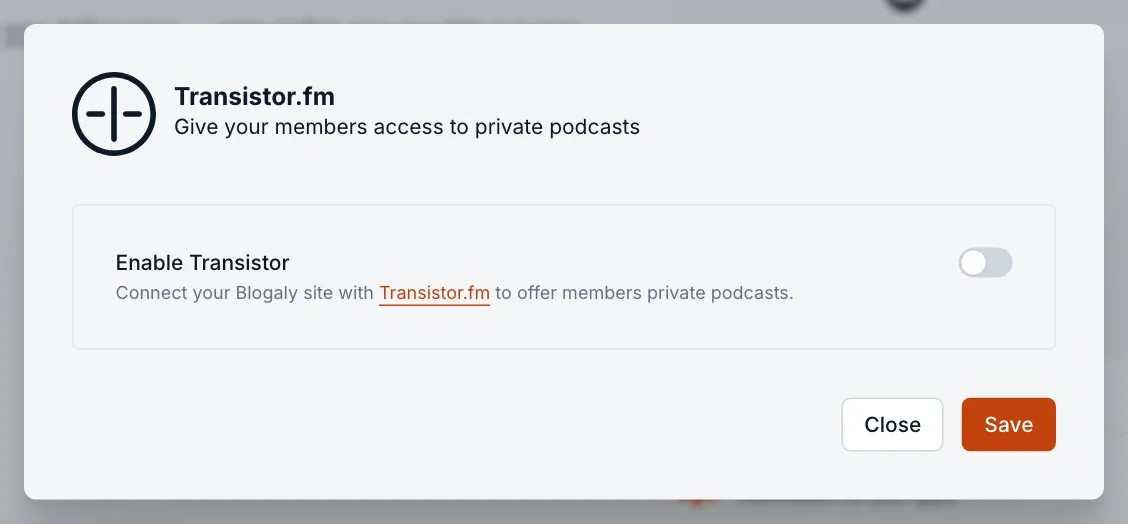
| Transistor.fm | Gives your members access to private podcasts hosted on Transistor. | A Transistor.fm account. Switch on Enable Transistor, then copy the Admin API key and API URL into Transistor. |
| Zapier | Connects your site to thousands of apps: post new articles to social networks, add new members to a spreadsheet, and so on. | A Zapier account. The panel lists ready-made Zaps and shows the Admin API key and API URL Zapier asks for when you connect your site. |
Content API key: read your published content
The Content API gives read-only access to what’s already public on your site: published posts, pages, tags, authors and tiers. Developers use it to show your posts in an app, on another website or in a static site. Select Content API in the built-in list to find the key and the API URL.
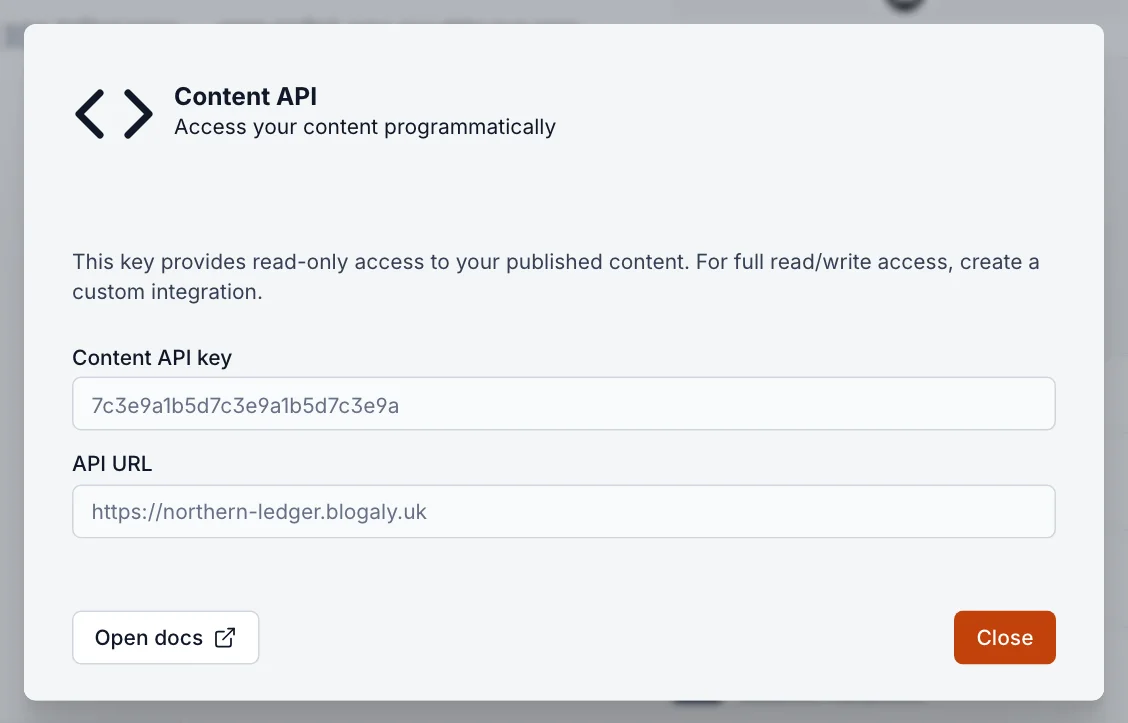
The Content API key is safe to use in a browser or app, because it can only read things anyone can already see. It’s available on every plan.
Custom integrations: Admin API keys
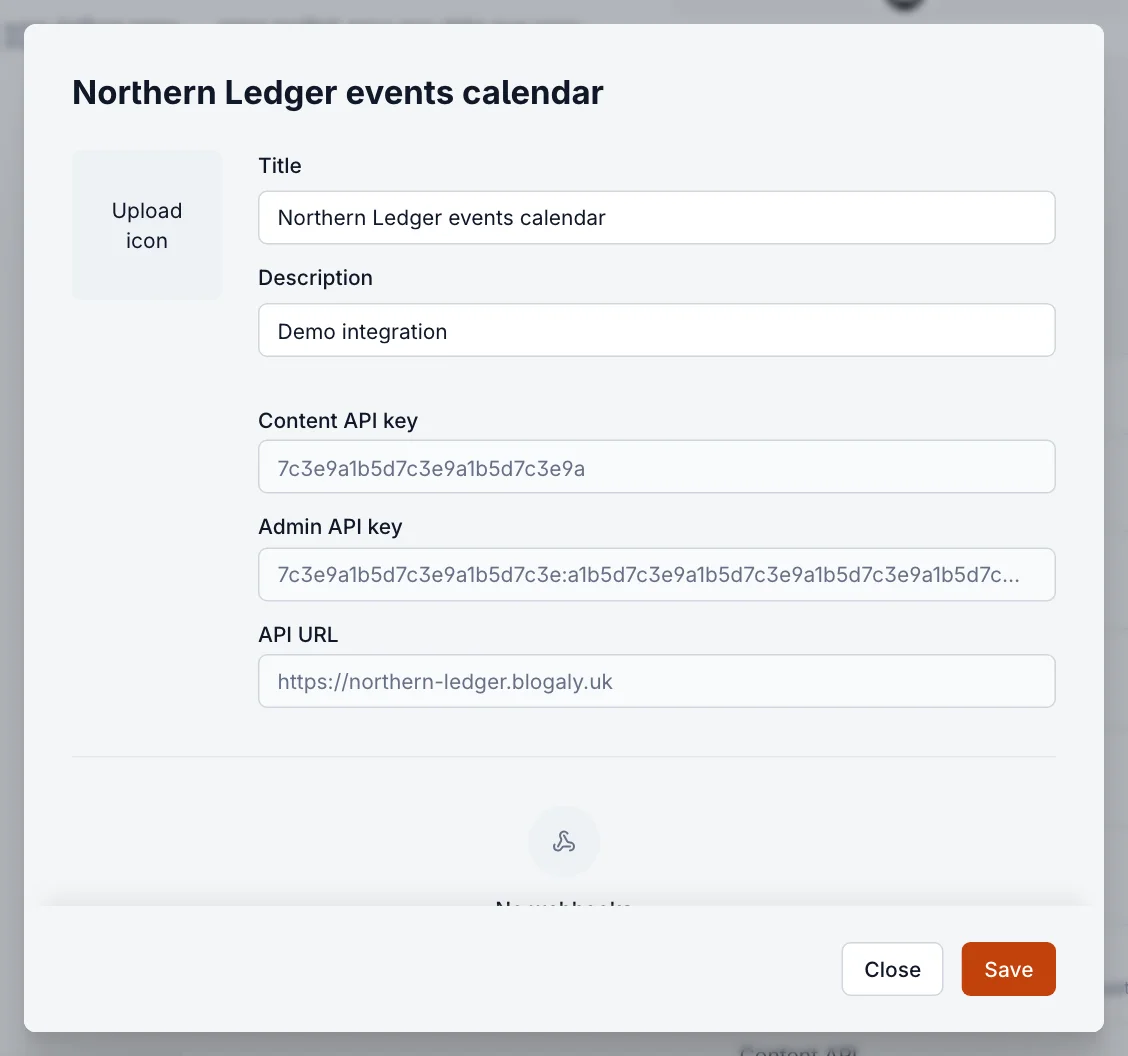
A custom integration gives a tool of your own its own set of keys, including an Admin API key that can create and change content and members. Use one per tool, so you can revoke one without breaking the others. Available on Publisher and Business.
- Select Add custom integration at the top of the Integrations section.
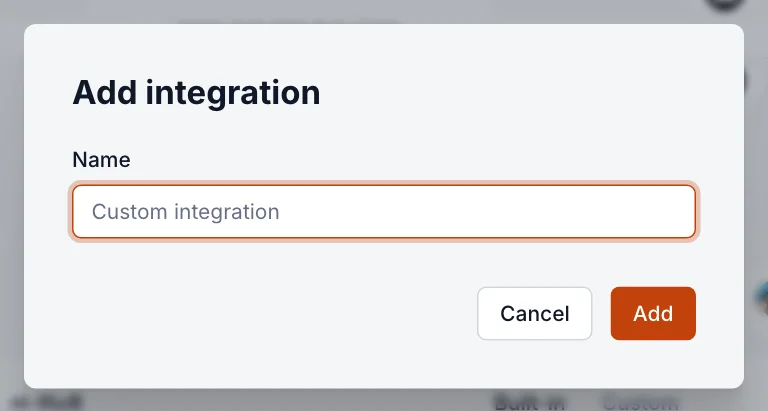
- Give it a name you’ll recognise, such as the name of the tool, and select Add.
- Copy the keys you need: Content API key, Admin API key and API URL. Add an icon and description if you like, then select Save.
Webhooks
A webhook tells another service the moment something happens on your site, by sending details to an address you choose. Webhooks belong to a custom integration, so they need Publisher or Business.
- Open your custom integration and select Add webhook.
- Give it a Name, choose an Event, and paste the Target URL the other service gave you.
- Optionally add a Secret, which the other service can use to check the request really came from your site.
- Select Add.
Events cover posts (created, published, updated, unpublished, scheduled, deleted, tag added or removed), the same for pages, tags (created, updated, deleted), members (added, updated, deleted), and Site changed (rebuild), which fires on any change and suits static-site builders.
Good to know
- Only Administrators and the owner can see and manage integrations.
- The API URL is your site’s address. If you connect your own domain, update any tools that use the old one.
- Each staff member’s own sign-in is separate from API keys. To give a person access, invite them as staff instead.
Last checked against the product on 7 November 2026.
Related
Still stuck?
Tell us what you were trying to do and what you saw, and we’ll help you sort it out.
Contact us