Create your Blogaly account
Sign up with your email address and a password, confirm the address, and you’re ready to create a site.
Who can do this: Anyone. One account can hold your sites, plans and billing.
Your Blogaly account is how you sign in to your dashboard at dash.blogaly.com, where you create sites and manage your plan and billing. It takes a minute, and you don’t need a card.
1. Sign up
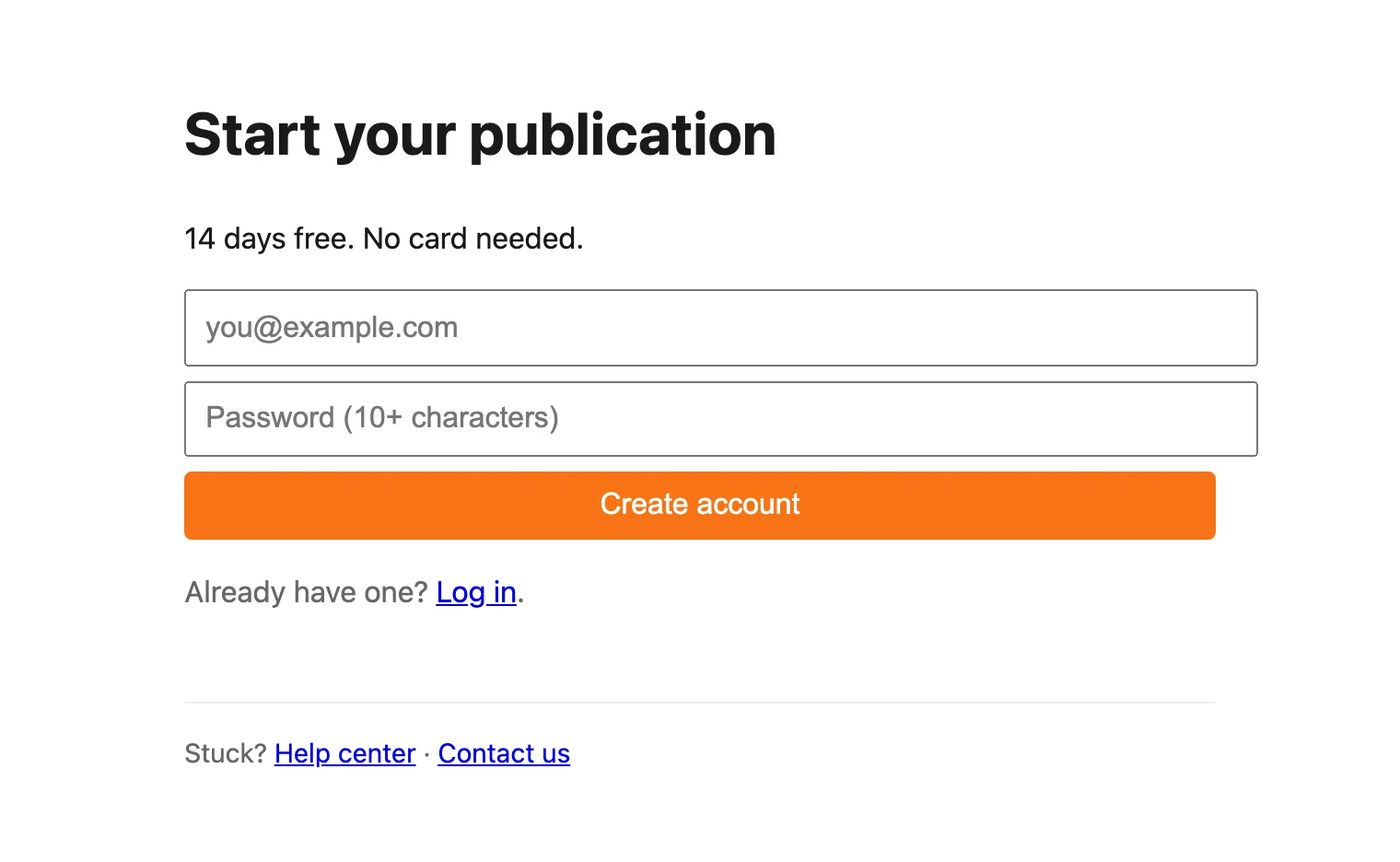
- Go to dash.blogaly.com/signup.
- Enter your email address. Use one you check: we send your confirmation link, your site’s password link and billing emails there.
- Choose a password of at least 10 characters. A short phrase is easier to remember than a jumble of symbols.
- If you see a quick “are you human?” check, complete it. Then select Create account.
2. Check your email
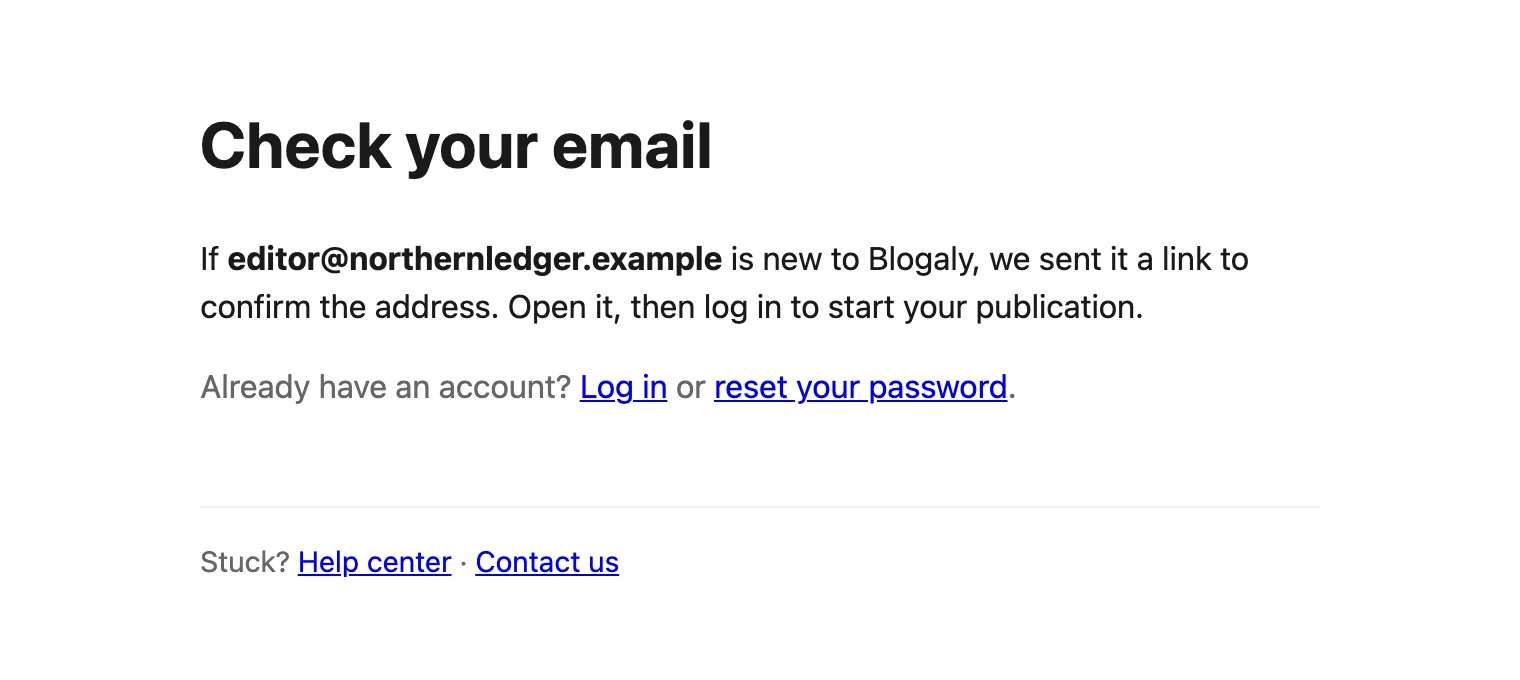
You’ll see Check your email. We’ve sent a link to confirm the address belongs to you.
3. Confirm your address
- Open the email from Blogaly and select the link. It works for 24 hours.
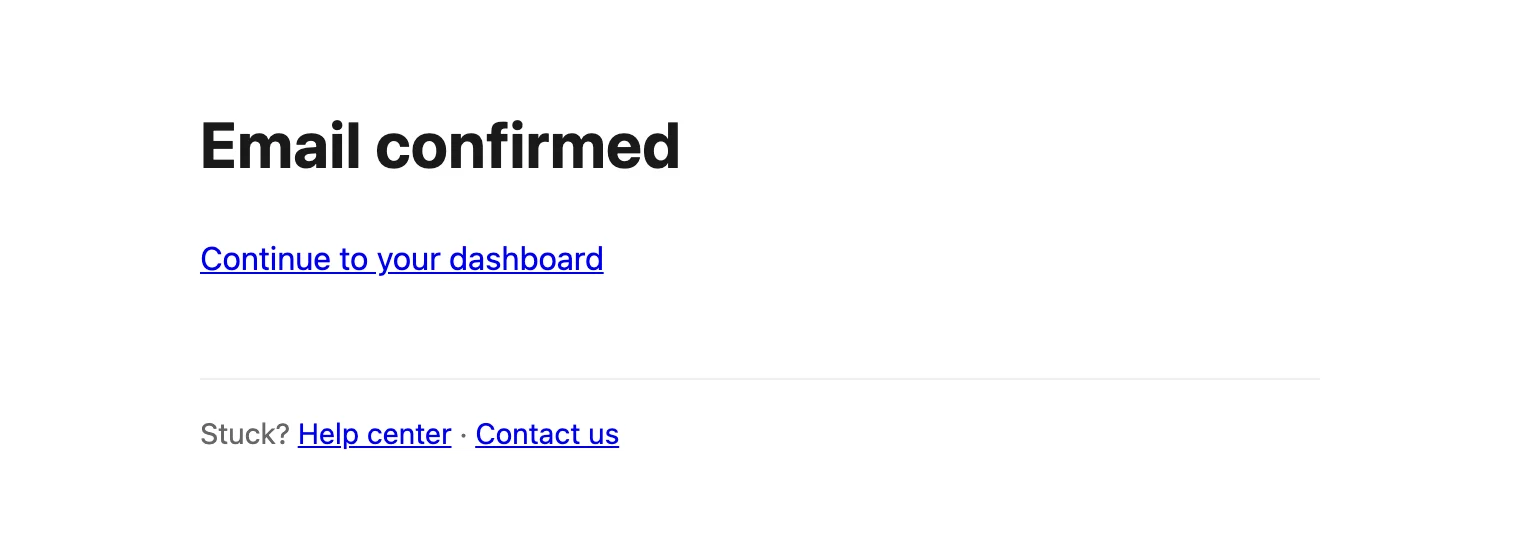
- You’ll see Email confirmed. Select Continue to your dashboard.
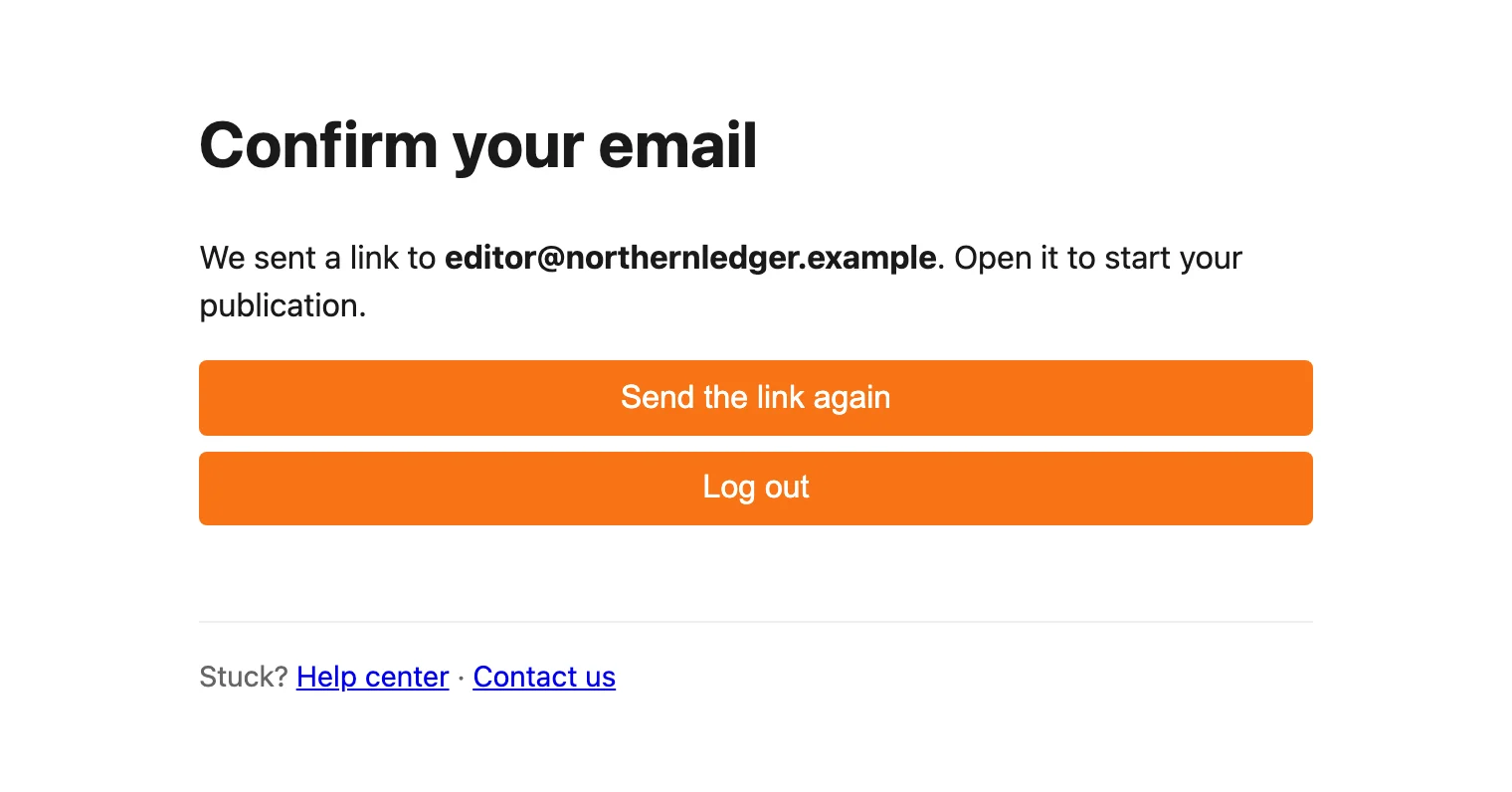
If you log in before confirming, the dashboard waits on Confirm your email until you do. Select Send the link again if the first email went missing.
If the link doesn’t work
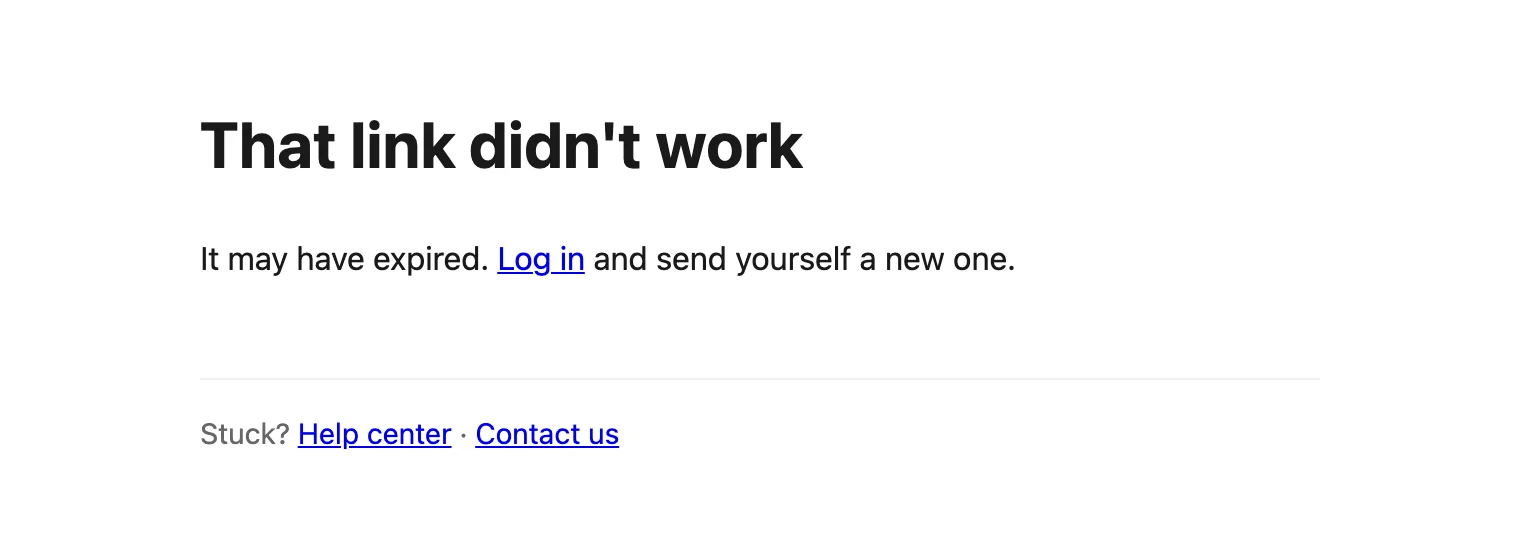
An old or already-used link shows That link didn’t work. Log in at dash.blogaly.com/login and select Send the link again for a fresh one.
- Nothing arrived? Check spam and promotions folders, and search for “Blogaly”. Some work email systems hold messages from new senders for a few minutes.
- Typo in your address? Sign up again with the right one. The account with the typo can’t be confirmed, so it does nothing.
- Sign-ups closed? Before launch, the sign-up page may say Blogaly isn’t open yet. If you already have an account, you can still log in.
Next
You’re in. Now create your publication: pick a name and a plan and your site is live a few minutes later.
Last checked against the product on 7 November 2026.
Related
Still stuck?
Tell us what you were trying to do and what you saw, and we’ll help you sort it out.
Contact us