Images, galleries, video and audio
Add a feature image, images and galleries, video, audio and downloadable files to your posts, with captions and alt text.
Who can do this: Anyone on your staff who can write posts.
Pictures and media are cards like everything else in the editor, plus one special image at the top of each post: the feature image. Everything you upload is stored with your site and served quickly to readers. You don’t need to resize images first.
The feature image
The feature image is the big picture at the top of a post. Most themes also use it on your homepage, in tag pages and as the image when the post is shared on social media.
- At the top of the post, drag an image onto Drop a feature image, or, or select Upload to pick a file, or Unsplash to search free stock photos.
- Under the image, click Add a caption to the feature image to write a caption, for example a photo credit.
- Select Alt to switch to the alt text field and describe the image for readers using screen readers.
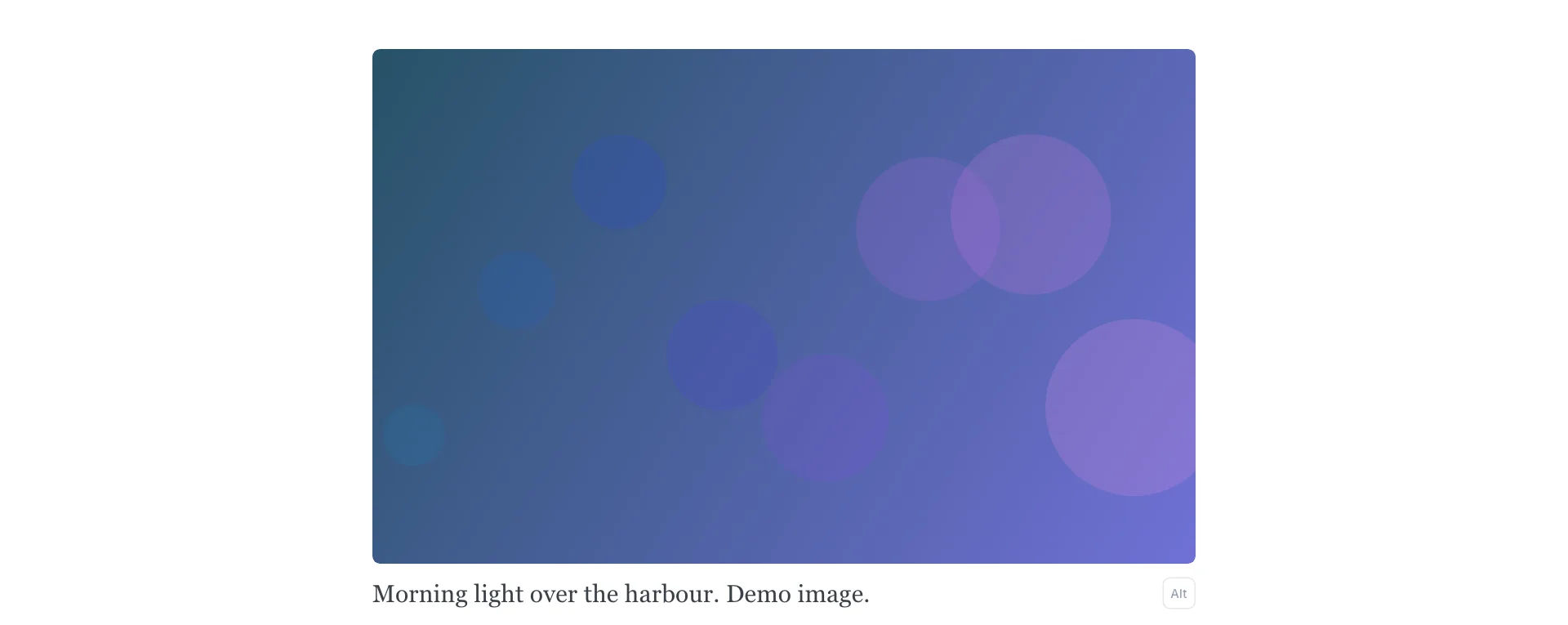
To change or remove it, hover over the image and use the buttons in its corner.
Images in a post
- Drag an image file straight into the post where you want it. Or, on an empty line, type
/imageand press Enter, then choose a file. - Click the image to select it. The toolbar sets its width: regular (the width of your text), wide, or full (edge to edge).
- Use the link button in the toolbar to make the image clickable.
- Type a caption under the image. Select Alt under the image to write alt text instead.
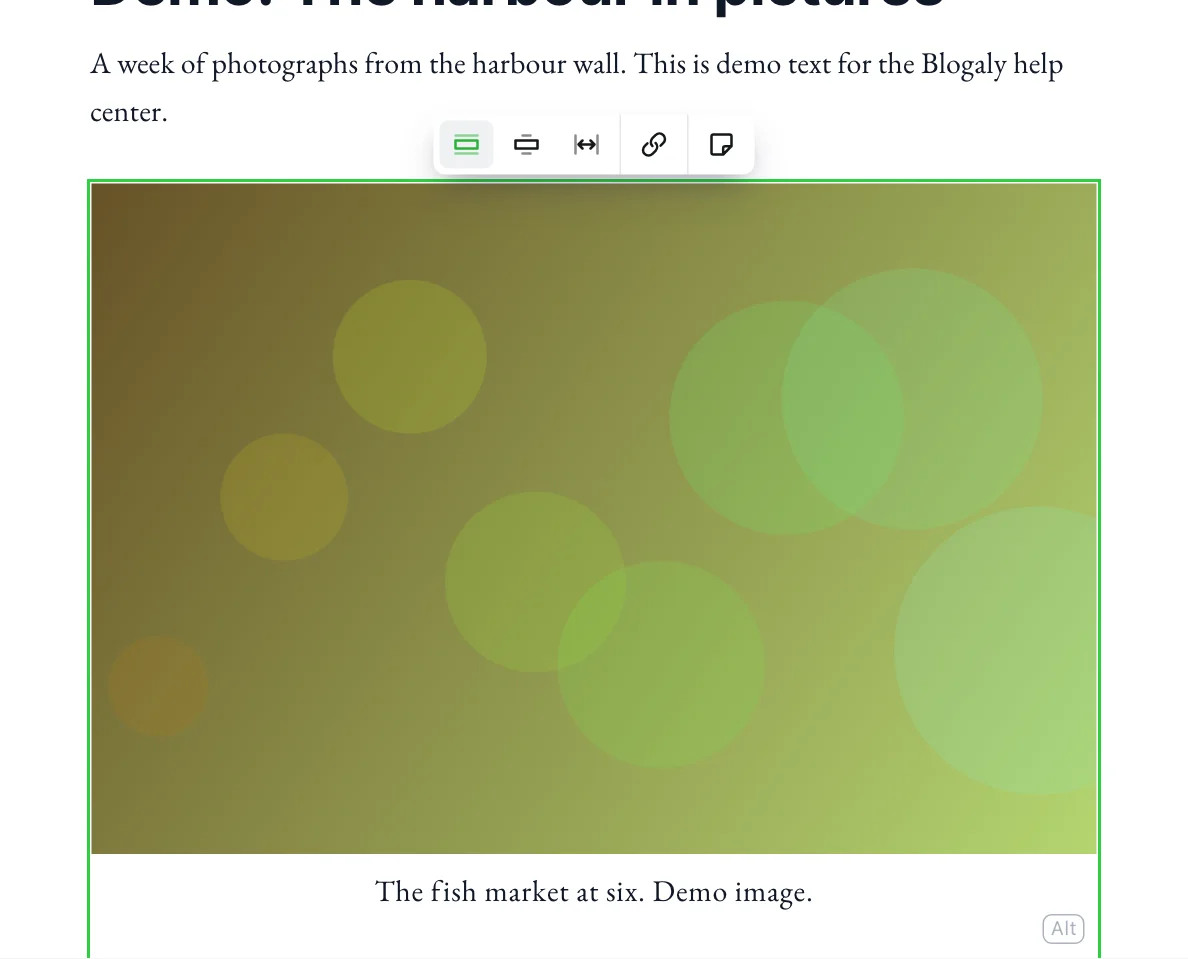
You can also paste an image you’ve copied, or drop several files at once to add them one after another.
Galleries
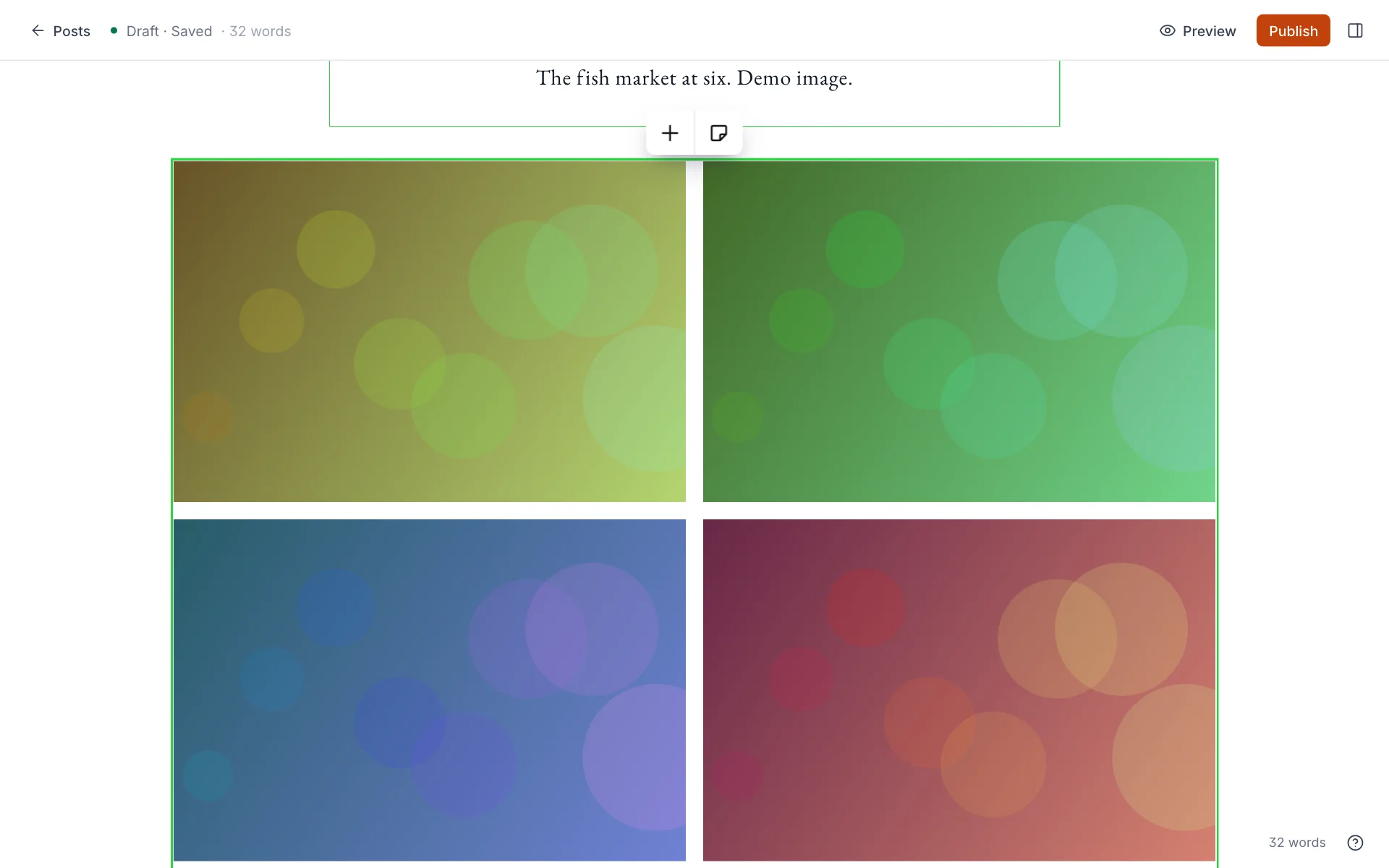
A gallery shows up to nine images in a grid that fits them neatly together. Type /gallery, or select Gallery in the card menu, then pick your images. Drag images inside the gallery to reorder them, use the + in the toolbar to add more, and add one caption for the whole gallery underneath.
Free photos from Unsplash
Unsplash is a library of free-to-use photos. Select Unsplash on the feature image, or type /unsplash in a post, search, and insert a photo. The photographer’s credit is added as the caption for you; please leave it in. To hide the Unsplash buttons, turn the integration off under Settings → Integrations.
Video, audio and files
Type /video, /audio or /file, or pick the card from the menu, then select it to upload.
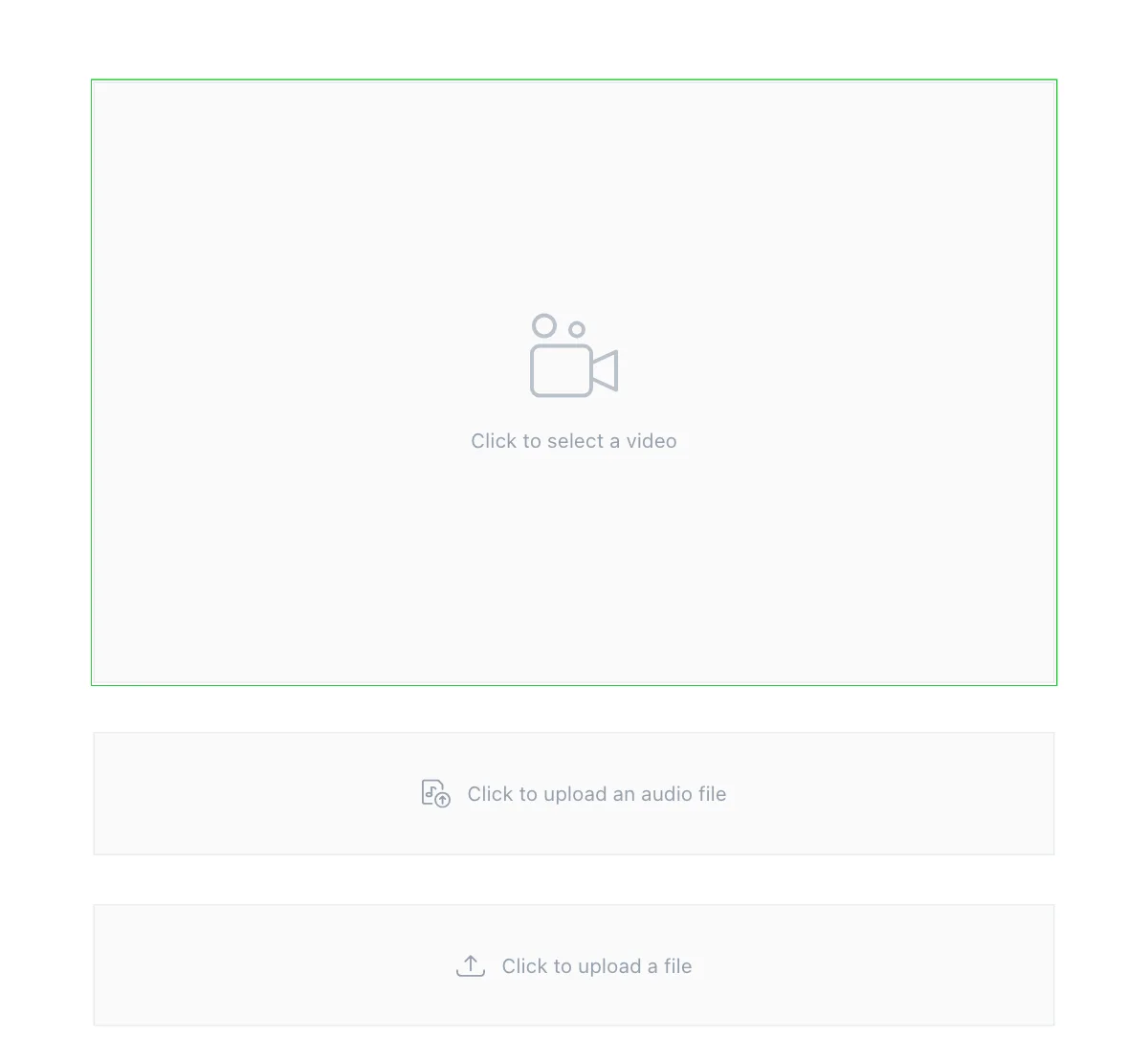
- Video plays in the post with its own player. Once uploaded, you can choose a thumbnail image, set the card width and make short clips loop.
- Audio shows a player with a title and an optional thumbnail, good for a podcast episode or an interview recording.
- File gives readers a download link with a title and short description, for a PDF, a spreadsheet or a press kit.
- For video hosted elsewhere, paste a YouTube or Vimeo link on its own line instead. The video then plays from that service.
File types you can upload
| Card | Accepted files |
|---|---|
| Images and galleries | .jpg, .jpeg, .png, .gif, .webp, .svg |
| Video | .mp4, .webm, .ogv |
| Audio | .mp3, .wav, .ogg, .m4a |
| File | Most common document, archive, image and media types, including .pdf, .docx, .xlsx, .csv, .zip and .epub |
Good to know
- Very large images are scaled down to 2,000 pixels wide when you upload them, and smaller copies are made automatically so phones download less. Uploading a big photo is fine.
- Always add alt text to images that carry meaning, such as charts, maps and photos of people. Screen readers read it aloud, and search engines use it too.
- Animated GIFs keep their animation. Use them sparingly: they can be large and slow to load.
- Large video files take a while to upload. For long videos, a YouTube or Vimeo embed usually plays more smoothly for readers.
- Removing an image from a post doesn’t delete the file from your site, so links to it elsewhere keep working.
Last checked against the product on 7 November 2026.
Related
Still stuck?
Tell us what you were trying to do and what you saw, and we’ll help you sort it out.
Contact us