Members: free and paid readers
Members are readers with an account on your site. What they get, where they come from, and how many each plan includes.
Who can do this: Everyone. Free members work on every plan; paid members need Publisher or Business and Stripe.
A member is a reader who has signed up with their email address. There are no passwords: members sign in with a link we email them. Being a member lets a reader:
- get your posts by email, from the newsletters they choose;
- read posts you’ve made members-only or paid;
- comment on posts, if you’ve turned comments on;
- manage their own email preferences and account.
Your member list
Select Members in the sidebar, under Audience. The tabs along the top split members by status, with a count on each.
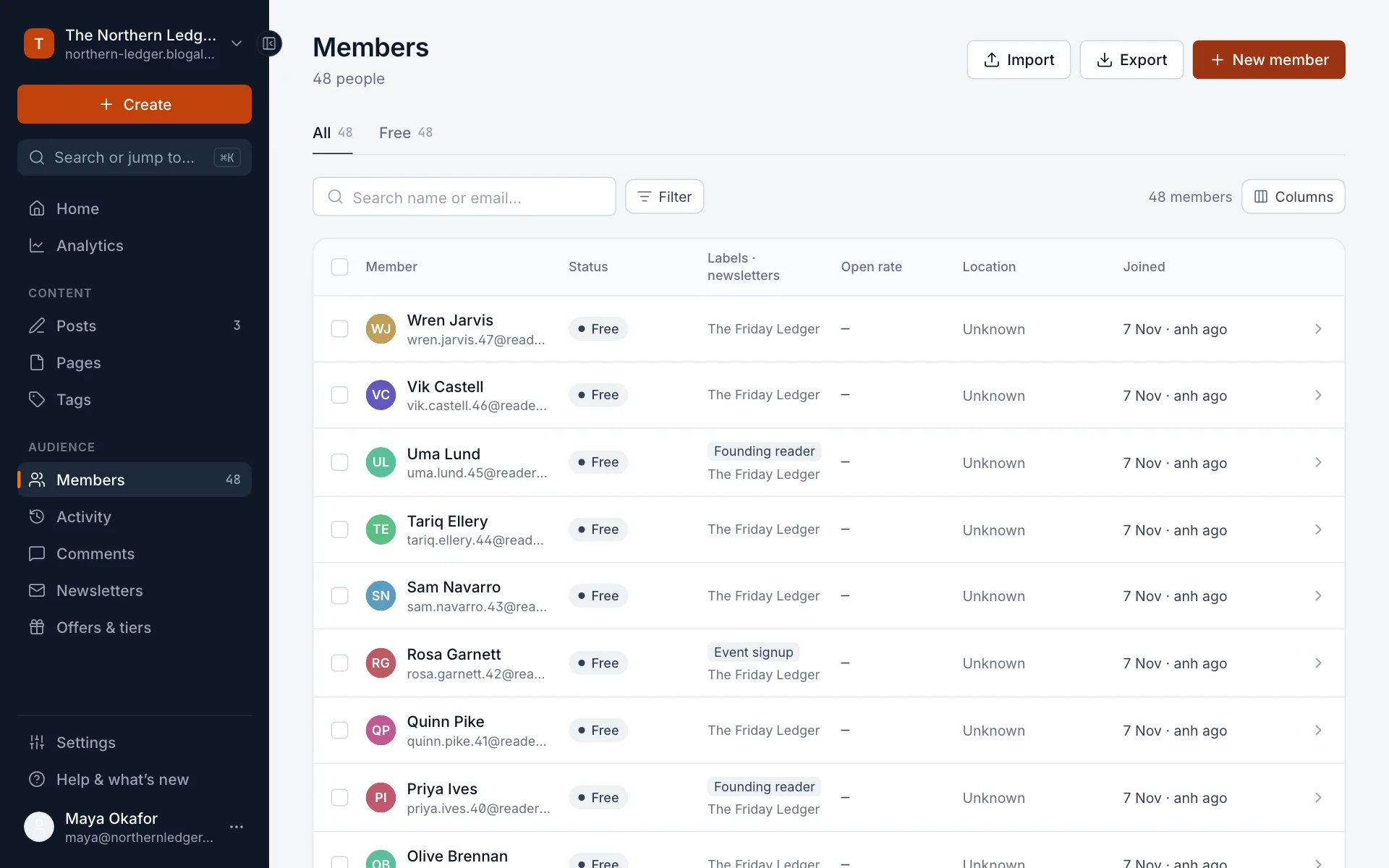
| Status | Who |
|---|---|
| Free | Signed up without paying. Every plan. |
| Paid | Paying for a subscription through Stripe. Publisher and Business, once Stripe is connected. |
| Complimentary | Given access to a paid tier for free by you. |
| Gift | Received a gift subscription. |
The paid tabs appear once you take payments. On Starter, every member is free.
Where members come from
- They sign up on your site, through the sign-up pop-up or a subscribe form in your theme. See The signup and account pop-up.
- You import them from a CSV, for example when moving from another platform. See Import members from a CSV.
- You add them by hand with New member.
Add a member by hand
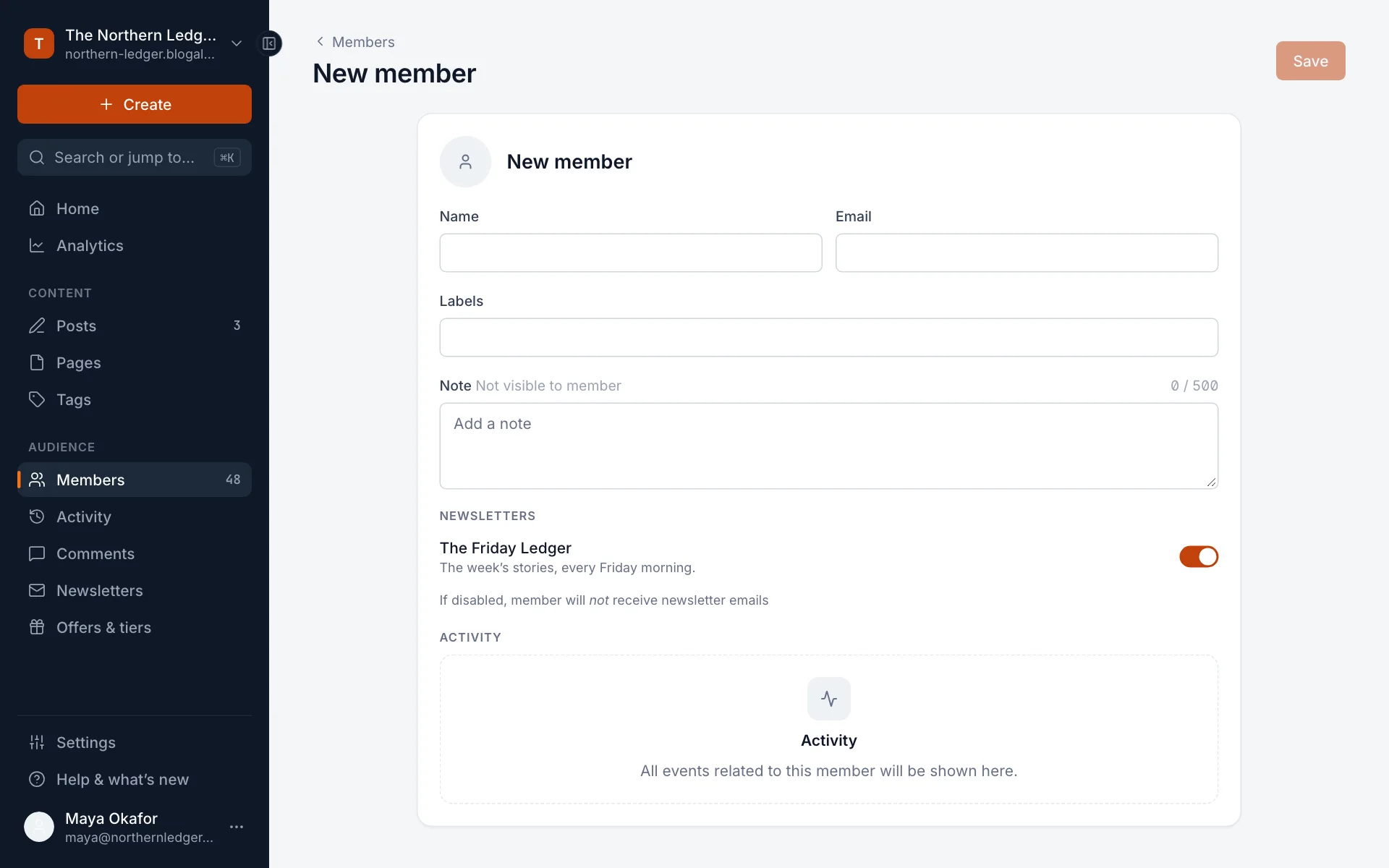
- In Members, select New member.
- Enter their Name and Email. Add Labels and a private Note if you like.
- Under Newsletters, choose which newsletters they get.
- Select Save.
Member limits on each plan
| Plan | Members |
|---|---|
| Starter | Up to 1,000, free members only |
| Publisher | Up to 1,000, free and paid |
| Business | Up to 10,000, free and paid |
Every member counts, free or paid, subscribed to a newsletter or not. Nobody is turned away if you go over: people can still sign up and you can still import. But while you’re over the limit you can’t publish posts or send newsletters. Admin tells you “This action would exceed the members limit on your current plan.” Move to a bigger plan from your dashboard, or delete members you no longer need, and you can publish again straight away. See Plans and what each includes.
Good to know
- Who can sign up at all (everyone, paid only, invite only or nobody) is set in Settings → Access. See The signup and account pop-up.
- Members aren’t staff. Staff sign in to your site’s admin to write and manage; members only have an account on your site.
- You can export your full member list at any time. See Find, filter, label and export members.
Last checked against the product on 7 November 2026.
Related
Still stuck?
Tell us what you were trying to do and what you saw, and we’ll help you sort it out.
Contact us