A tour of your site’s admin
Where everything lives in your site’s admin: writing, members, newsletters, settings, and the quickest way to jump between them.
Who can do this: Everyone on your team. What you can see depends on your staff role.
Blogaly has two places you’ll use. Your dashboard at dash.blogaly.com is for your account: your sites, plan, billing and custom domain. Your site’s admin is where you actually run the publication: writing, members, newsletters, design and settings. This guide is about the admin.
Signing in
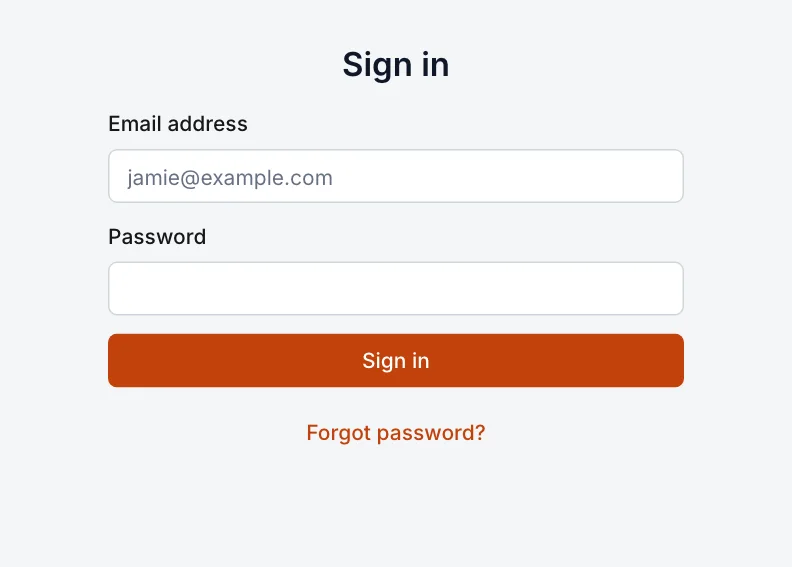
Your admin is at your site’s address followed by /admin, for example northern-ledger.blogaly.uk/admin. Once you’ve connected your own domain, yourdomain.com/admin works too. Sign in with the email address and the password you chose from the password email.
Home
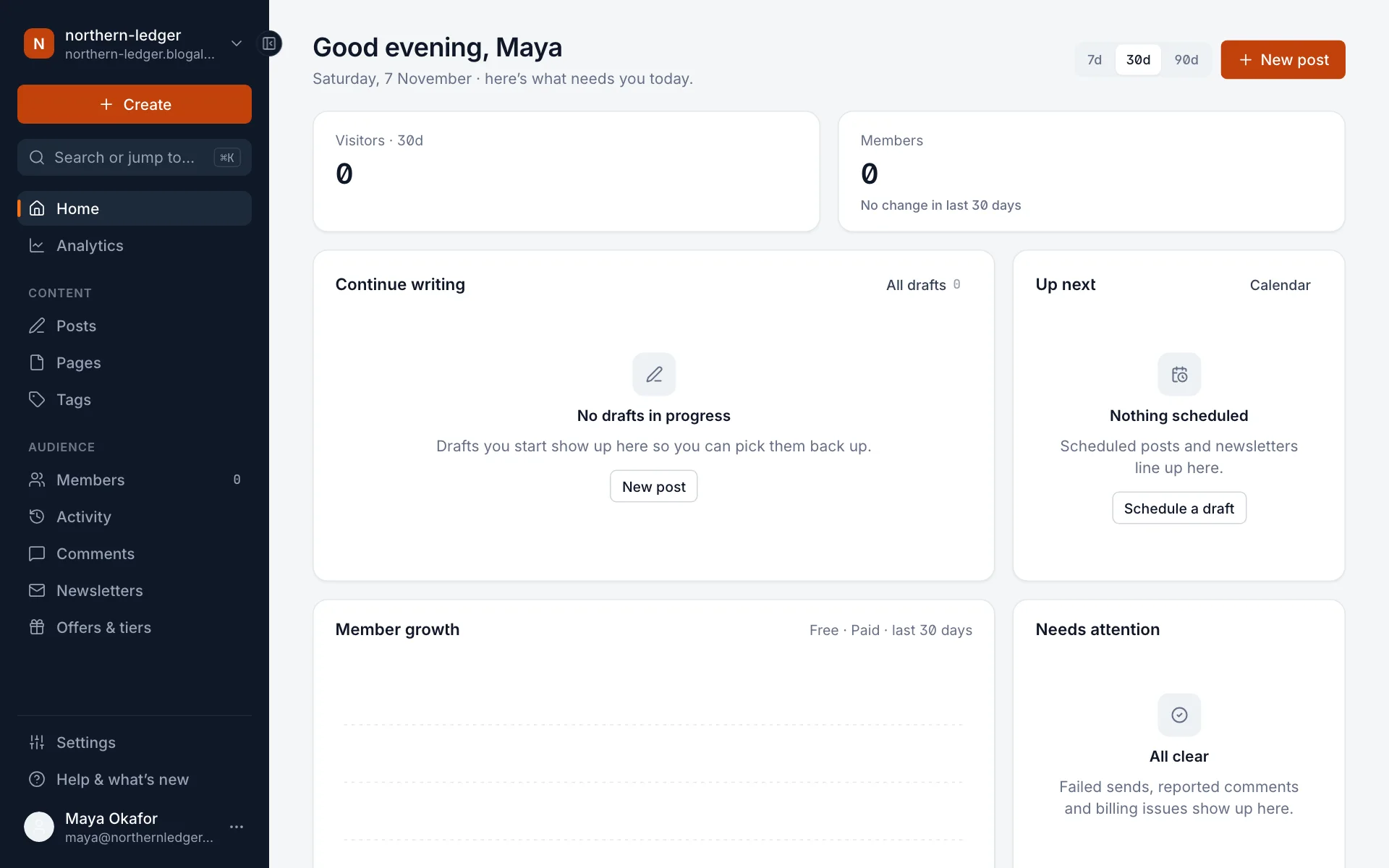
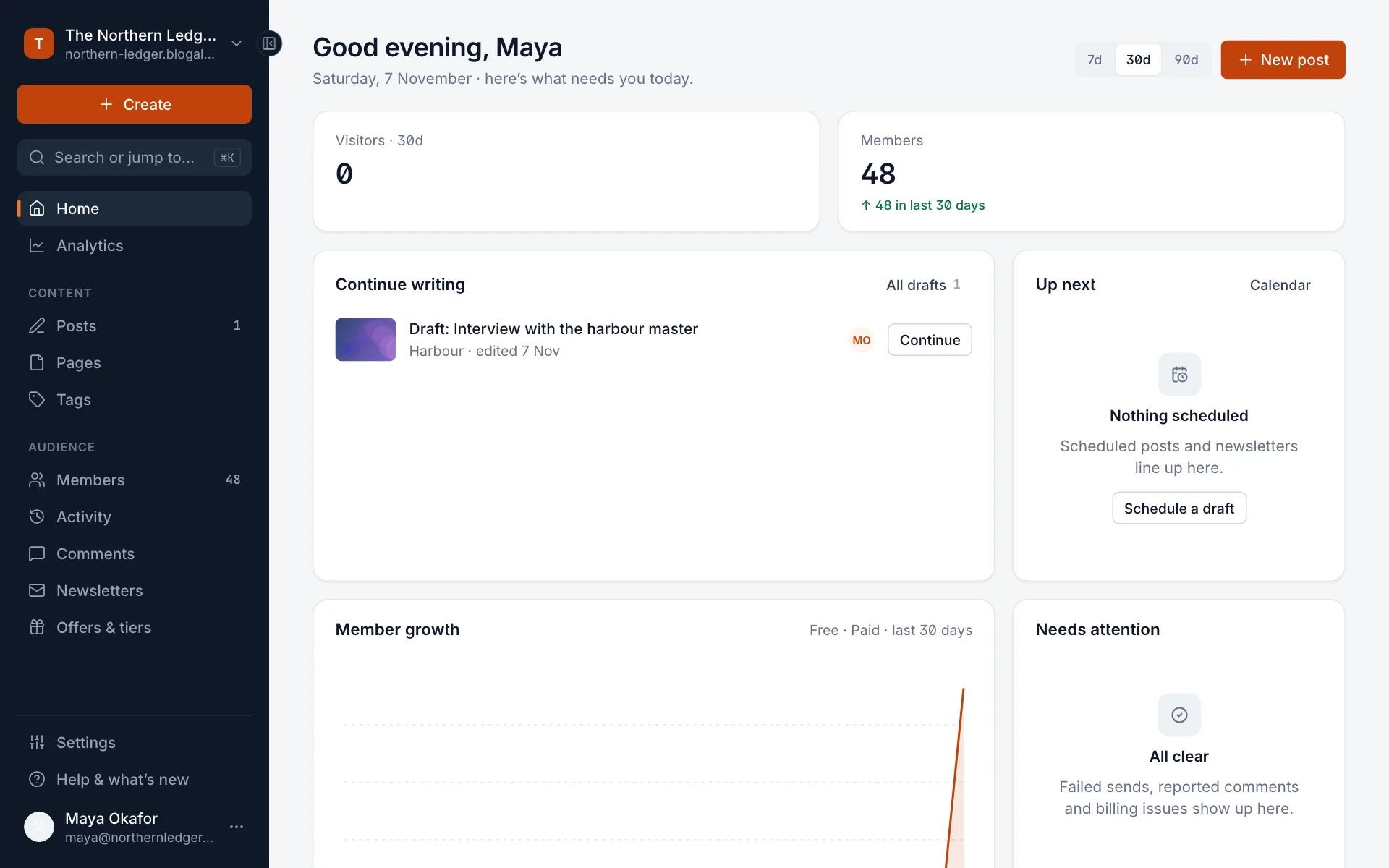
You land on Home. On a brand-new site it’s mostly empty, with shortcuts to write your first post. As you publish, it fills up with your visitors and members over the last 7, 30 or 90 days, drafts to pick back up, what’s scheduled next, member growth, your top posts, and anything that Needs attention, such as a newsletter that failed to send.
The sidebar
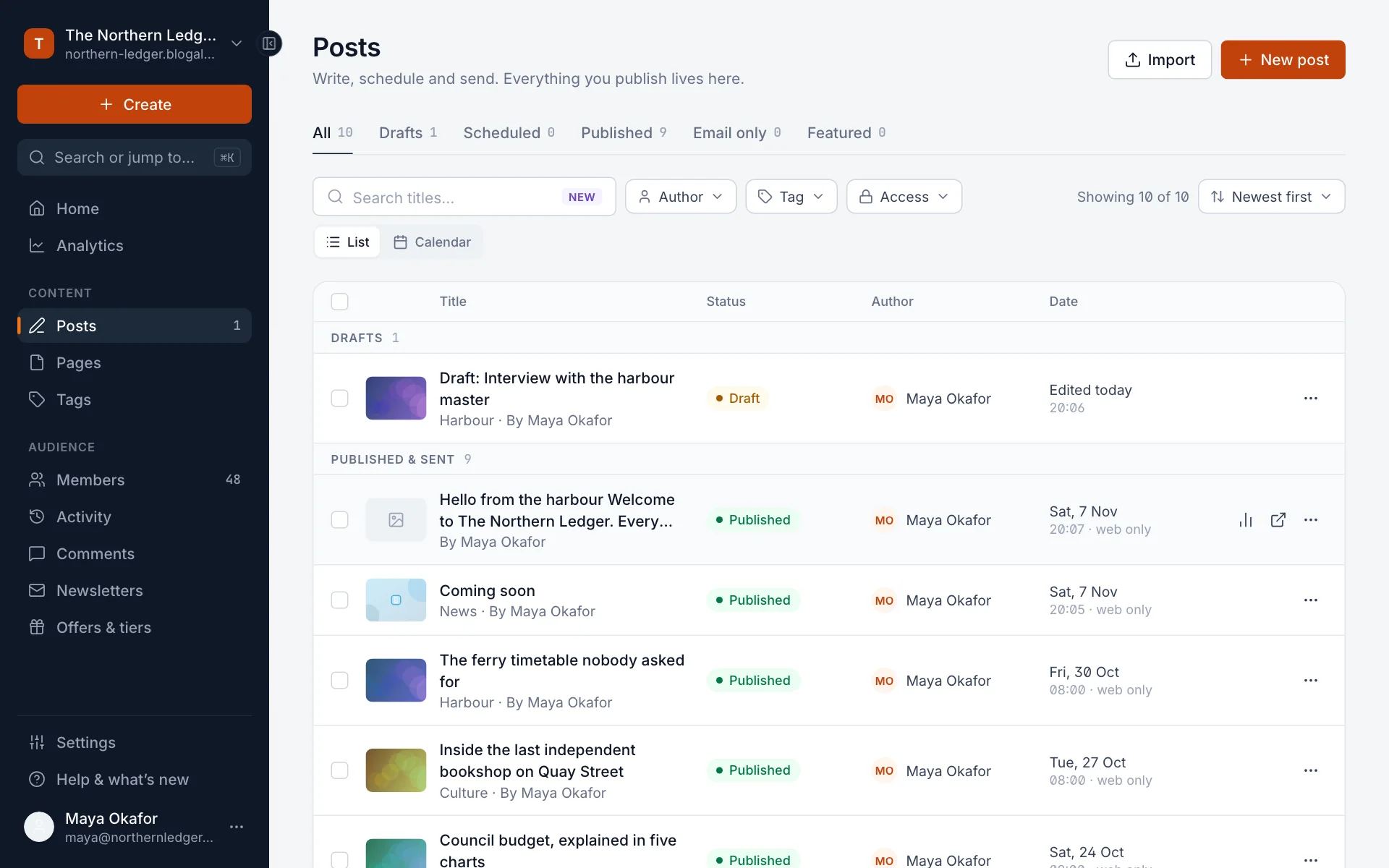
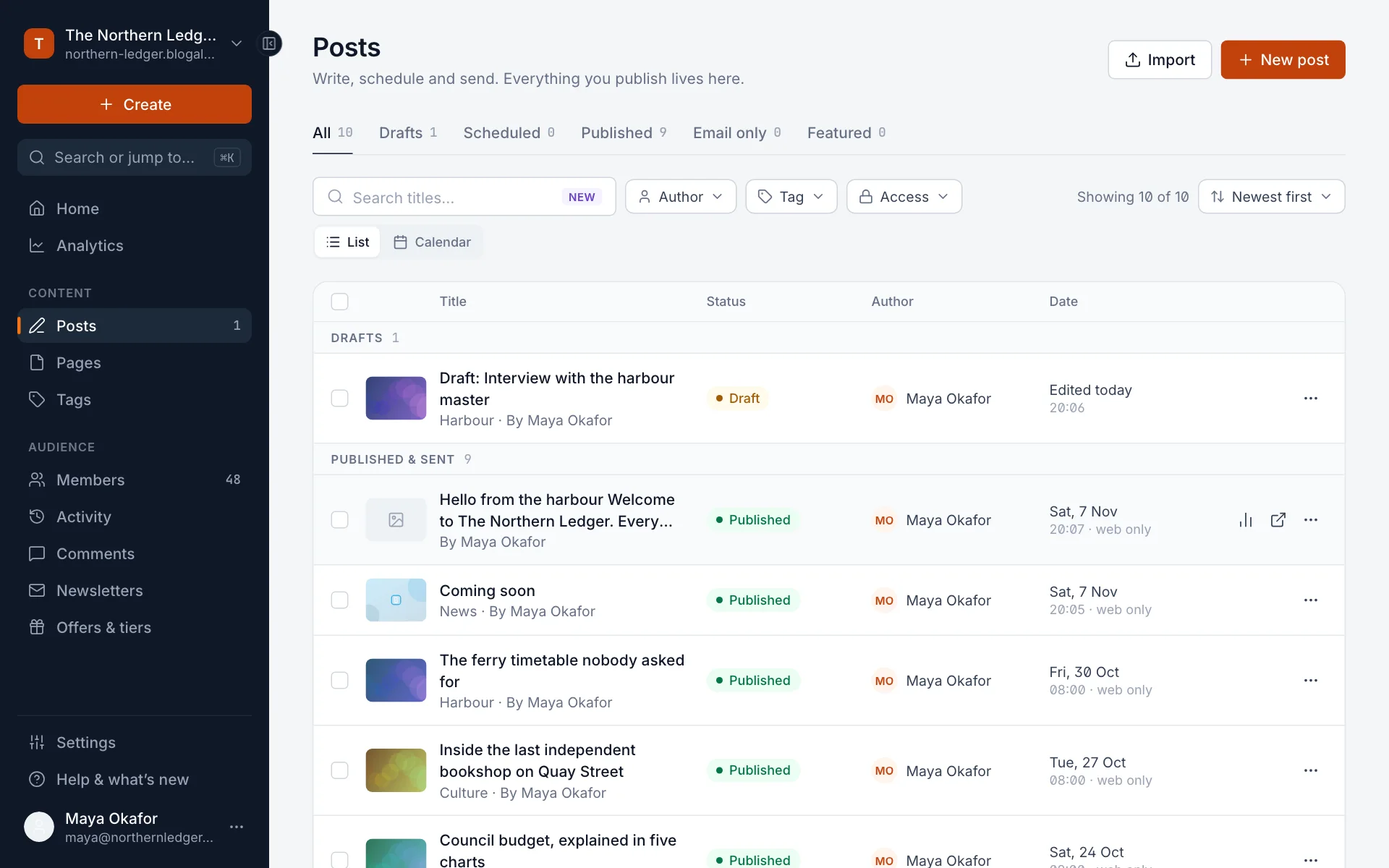
Everything is one click away in the sidebar on the left. Create at the top starts a new post, page, member and more.
| Section | What’s there |
|---|---|
| Home | Your publication at a glance. |
| Analytics | Visitors, top posts, newsletter performance and member growth. See Analytics. |
| Posts, Pages, Tags | Everything you write. Posts are dated stories; pages are timeless, like About or Contact. Tags group posts by topic. |
| Members | Everyone who has signed up, free or paid. See Members. |
| Activity | A live feed of signups, subscriptions, comments and email events. |
| Comments | Moderate reader comments, if you’ve turned them on. |
| Newsletters | Your newsletters, their design and their subscribers. |
| Offers & tiers | Paid tiers, discounts and trials. See Paid subscriptions. |
| Settings | Everything about your site: title, design, navigation, membership, email, team and more. |
| Help & what’s new | This help center and the latest product changes. |
Your name at the bottom opens a menu with Your profile (your name, bio, password and email notifications), Appearance (light or dark mode for the admin) and Sign out. Your site’s name at the top opens View site and a button to copy your site’s address.
Jump anywhere with search
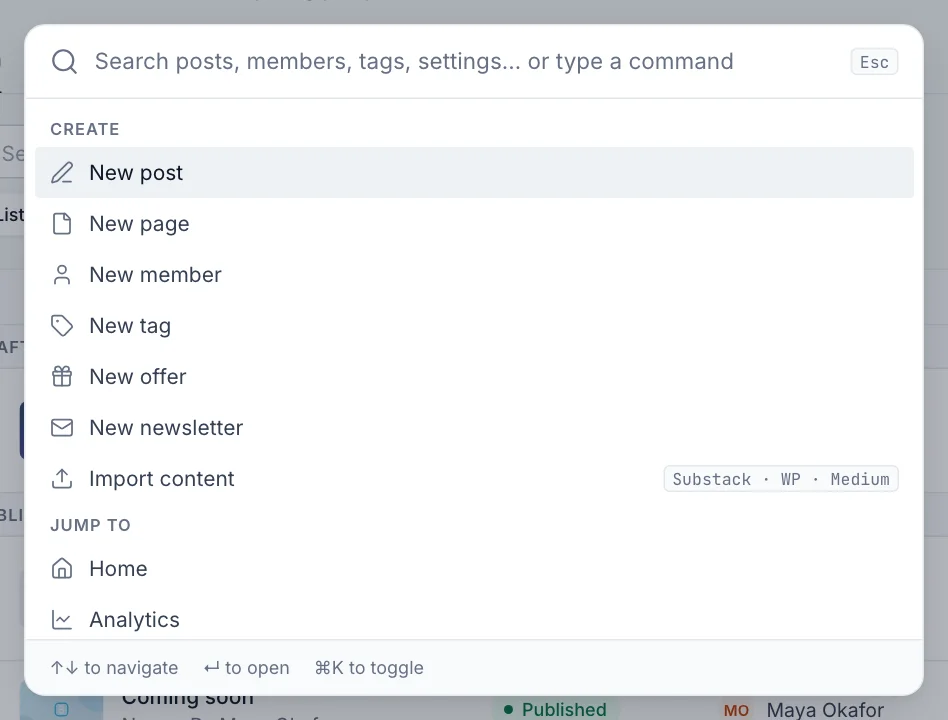
Press ⌘K on a Mac or Ctrl+K on Windows, or select Search or jump to… in the sidebar. Type a few letters to find a post, member, tag or setting, or to start something new.
Settings
Settings is one long page, grouped into General, Site, Membership, Email, Growth and Advanced. Use the list on the left to jump to a section, or type in Filter sections to find a setting by name. Most sections show their current values and an Edit button; nothing changes until you select Save.
New here? Set up your site, step by step walks through the settings worth changing first.
Your site
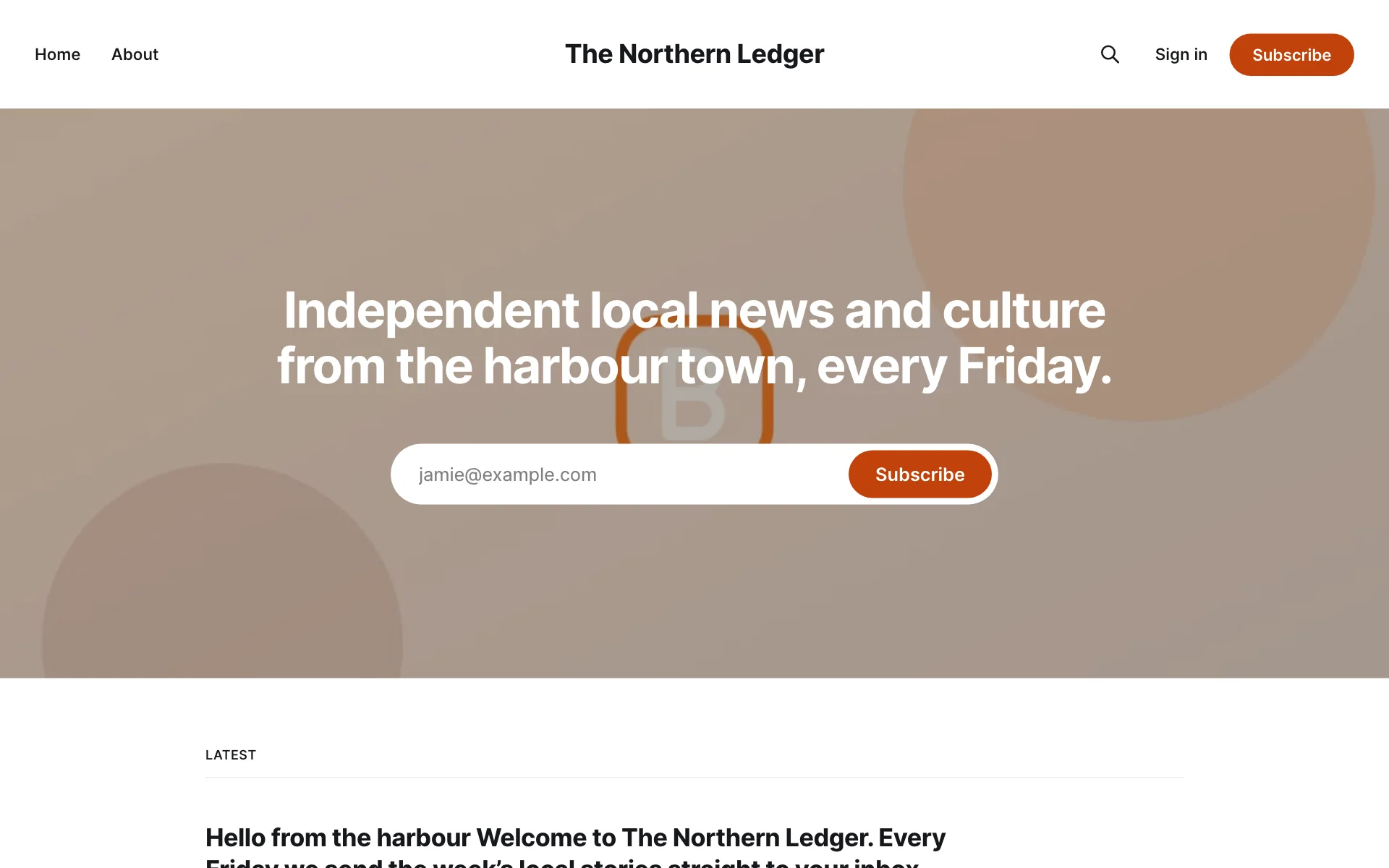
To see your site the way readers do, open its address in a new tab, or choose View site from the menu under your site’s name. When you’re signed in to the admin, you’re not signed in as a reader, so you see what a visitor sees.
Last checked against the product on 7 November 2026.
Related
Still stuck?
Tell us what you were trying to do and what you saw, and we’ll help you sort it out.
Contact us