Change or remove your domain
Disconnect your custom domain, or swap it for another one. Your blogaly.uk address keeps working throughout.
Who can do this: The account owner, in the dashboard at dash.blogaly.com. The site must be live.
A site has one custom domain at a time. To move to a different domain, you remove the current one, then add the new one. Your site stays online at your-name.blogaly.uk the whole time.
Remove a connected domain
- Log in at dash.blogaly.com and select Custom domain next to your site.
- Select Remove this domain.
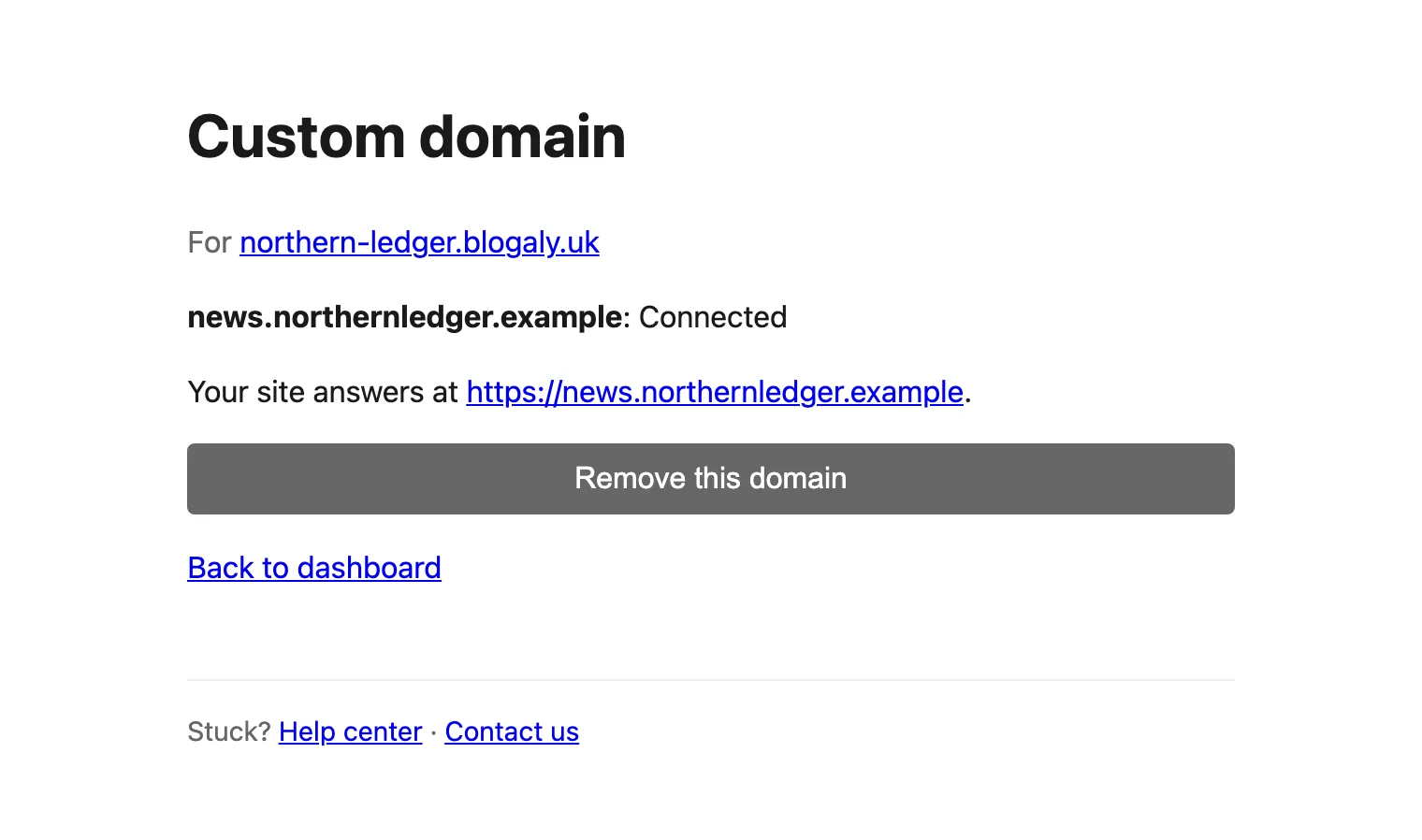
The status changes to Being removed… and then to Removed. This usually takes under a minute. Reload the page to see the latest status.
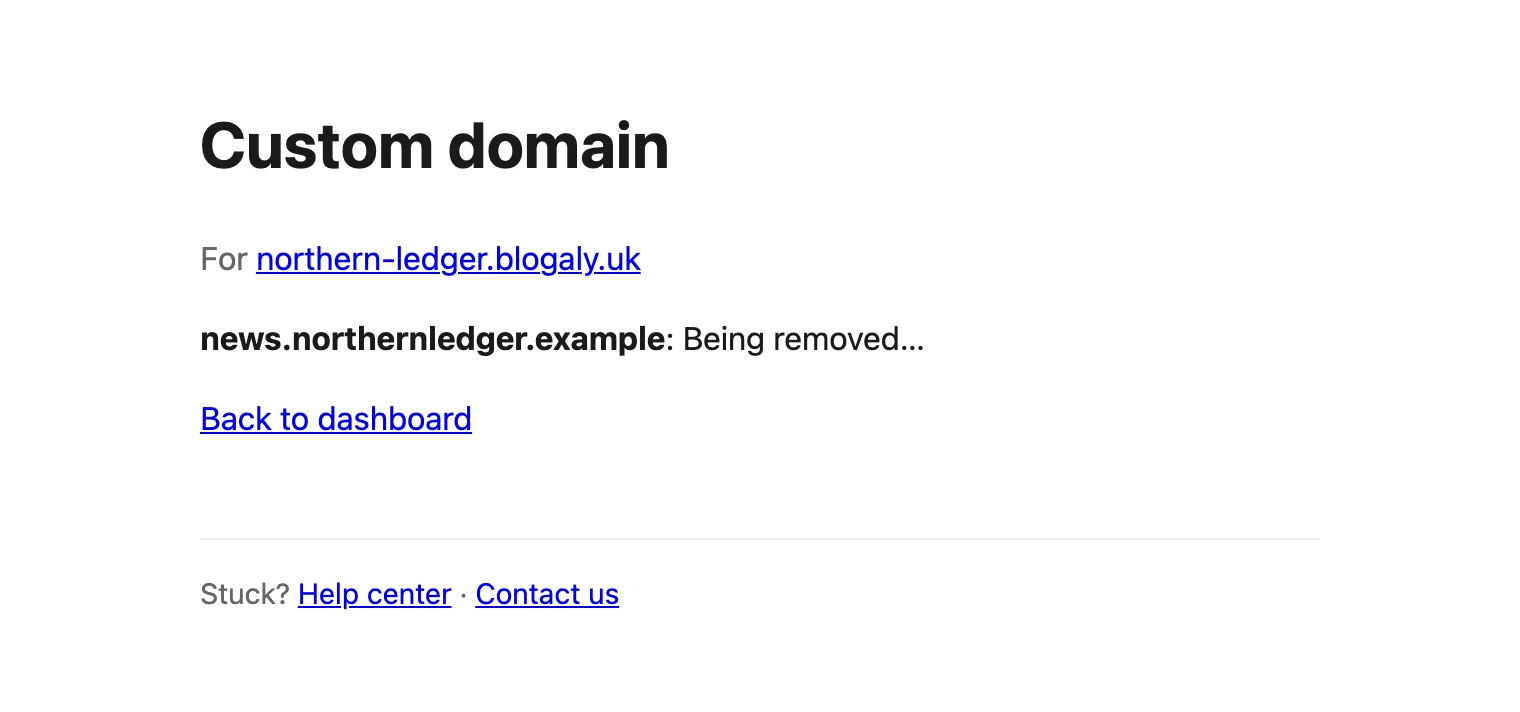
We don’t touch your DNS records. Once the domain shows Removed, delete the _blogaly-verify TXT record and the CNAME or A records at your DNS provider, or point them somewhere new.
Switch to a different domain
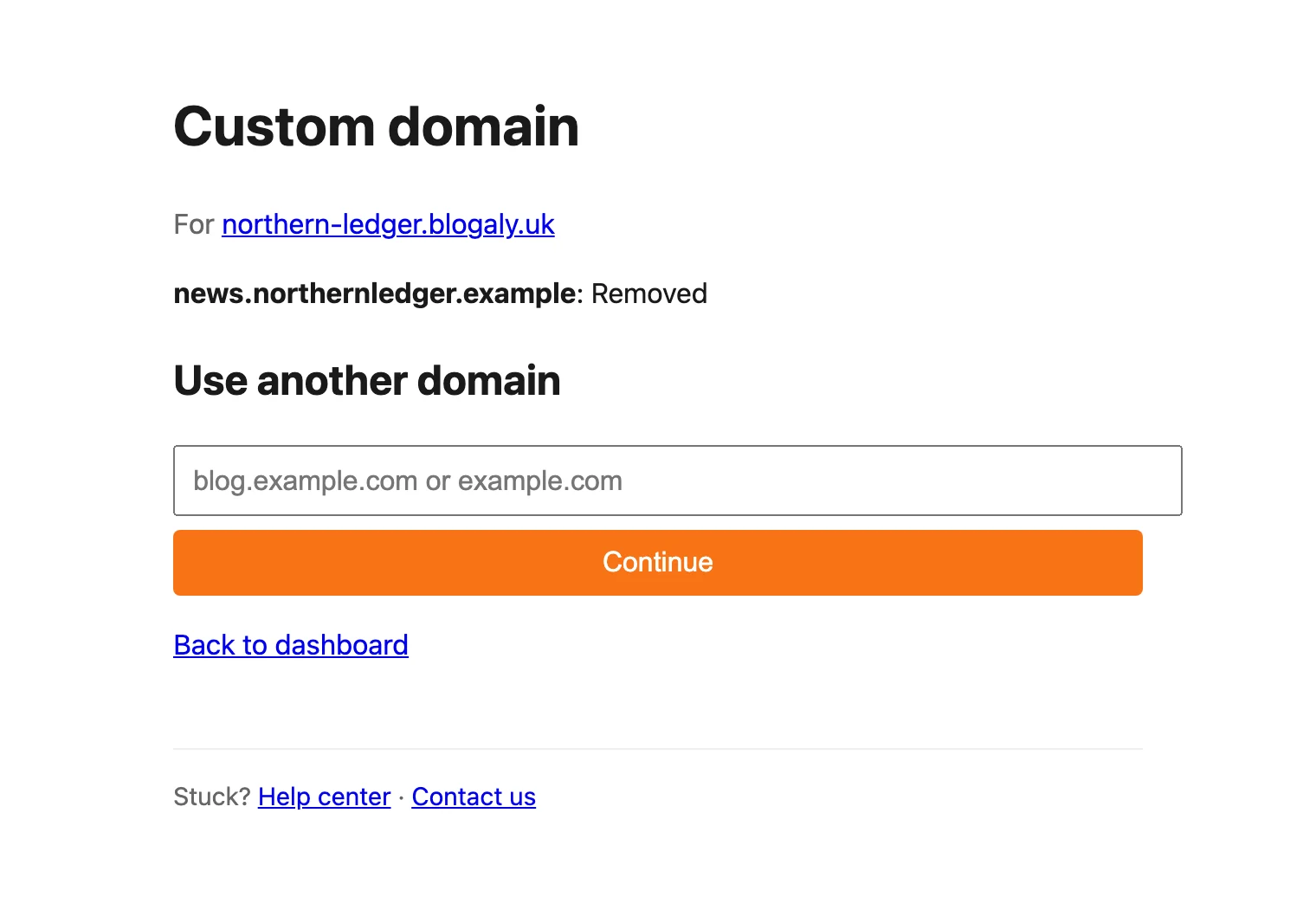
- Remove the current domain, as above, and wait until it shows Removed.
- Under Use another domain, type the new domain and select Continue.
- Add the new records at your DNS provider and select I’ve added them — check now. The steps are the same as connecting a domain for the first time.
Moving from news.example.com to example.com, or the other way round, counts as a change of domain. There’s a short gap between removing one and connecting the other, so plan it for a quiet moment.
Cancel a domain that isn’t connected yet
While a domain is Waiting for your DNS records, or if it Couldn’t connect, the button is Cancel instead. It releases the domain straight away, and you can add another one.
Good to know
- If the page says Couldn’t be removed — contact us, select Remove this domain once more. If it fails again, contact us.
- Links your site creates (newsletters, RSS, the canonical address) use your blogaly.uk address, so removing a domain doesn’t break them. Links other people shared using your own domain will stop working, unless you point that domain somewhere else.
- You can’t change domains while your site is paused, because the Custom domain link only shows for live sites.
- Leaving Blogaly? Your domain is yours. Point its records wherever you’re going next. See cancel your plan.
Last checked against the product on 7 November 2026.
Related
Still stuck?
Tell us what you were trying to do and what you saw, and we’ll help you sort it out.
Contact us