My domain isn’t connecting
What each message on the Custom domain page means, and what to change at your DNS provider to fix it.
Who can do this: The account owner, in the dashboard at dash.blogaly.com.
Connecting a domain has two parts: we check your DNS records, then we connect the domain and get its HTTPS certificate. The Custom domain page always says where you are and, if something is wrong, shows the reason in red. Find that message below.
While we check your records
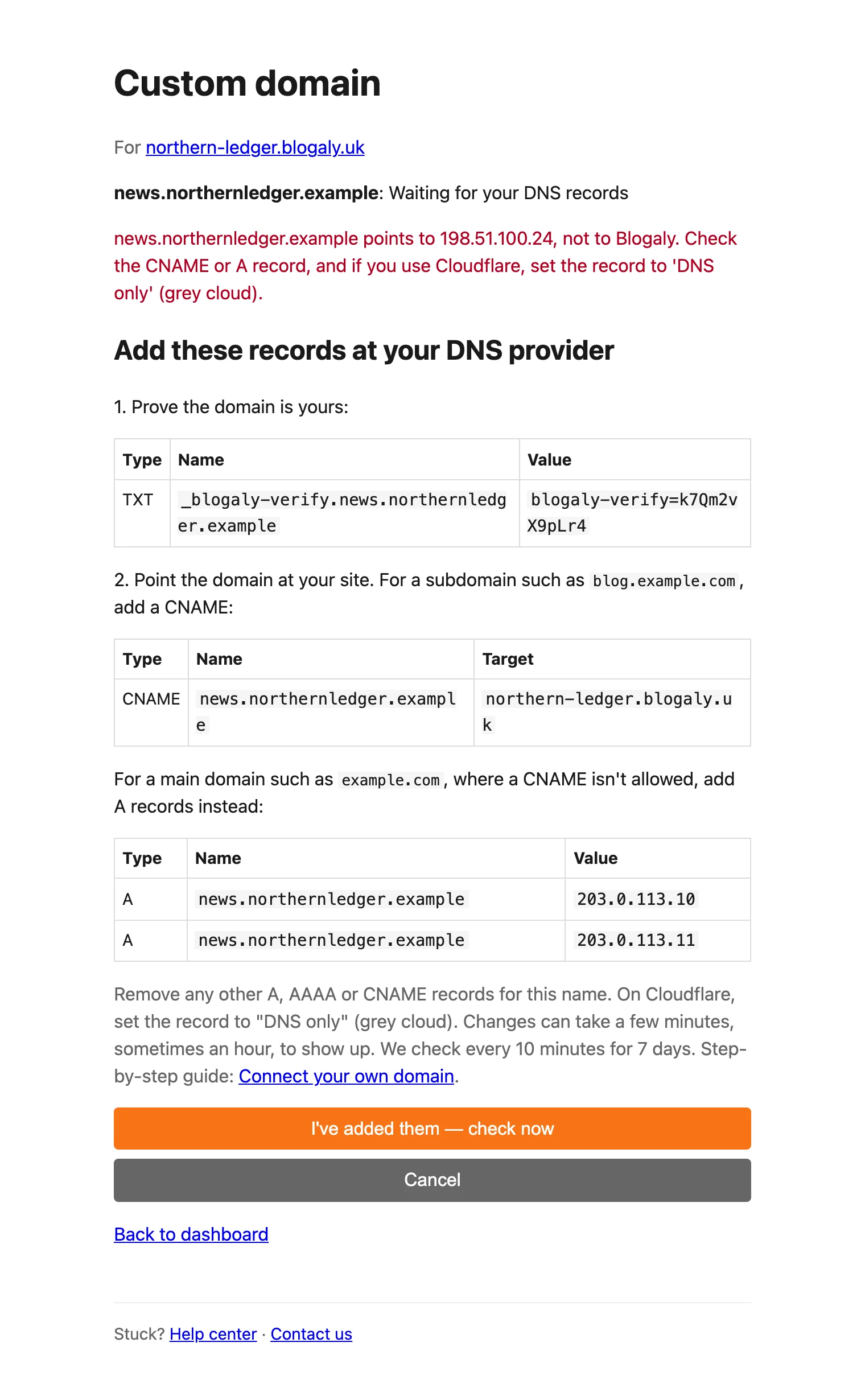
The status reads Waiting for your DNS records and the records to add are listed underneath. After each check, the reason it didn’t pass appears in red above them.
| Message | What it means and what to do |
|---|---|
The TXT record _blogaly-verify.… isn’t there yet (or has a different value). | We can’t find the record that proves the domain is yours. Check the name and value exactly match the page. Many providers add your domain to the name for you, so enter just _blogaly-verify (or _blogaly-verify.news for a subdomain) to avoid …example.com.example.com. Paste the value without extra spaces. |
example.com doesn’t point anywhere yet. Add the CNAME or A record. | The TXT record is fine, but the domain itself has no address. Add the CNAME (for a subdomain) or the A records (for a main domain) shown on the page. |
example.com points to … , not to Blogaly. Check the CNAME or A record, and if you use Cloudflare, set the record to ‘DNS only’ (grey cloud). | The domain points somewhere else. Delete old A, AAAA or CNAME records for the same name, such as ones left by your registrar’s parking page or a previous host. On Cloudflare, switch the record from Proxied to DNS only. |
example.com also has an IPv6 (AAAA) record pointing elsewhere. Remove it. | The A or CNAME record is right, but an AAAA record sends some visitors elsewhere. Delete the AAAA record for this name. |
| We couldn’t look up your domain just now. Try again in a minute. | The lookup timed out or your DNS provider didn’t answer. Usually temporary. Try again shortly, or let the automatic check pick it up. |
| We couldn’t look up your site’s address. Try again in a minute. | A problem on our side. Try again in a minute. If it lasts more than an hour, contact us. |
| Too many checks. Try again in a few minutes. | You can add or check domains 10 times in 10 minutes. Wait, then try again. The automatic check keeps running meanwhile. |
When both records pass you’ll see Both records are in place. Connecting your domain now; this takes a minute or two. and the status changes to DNS checked. Connecting your domain…
When you add the domain
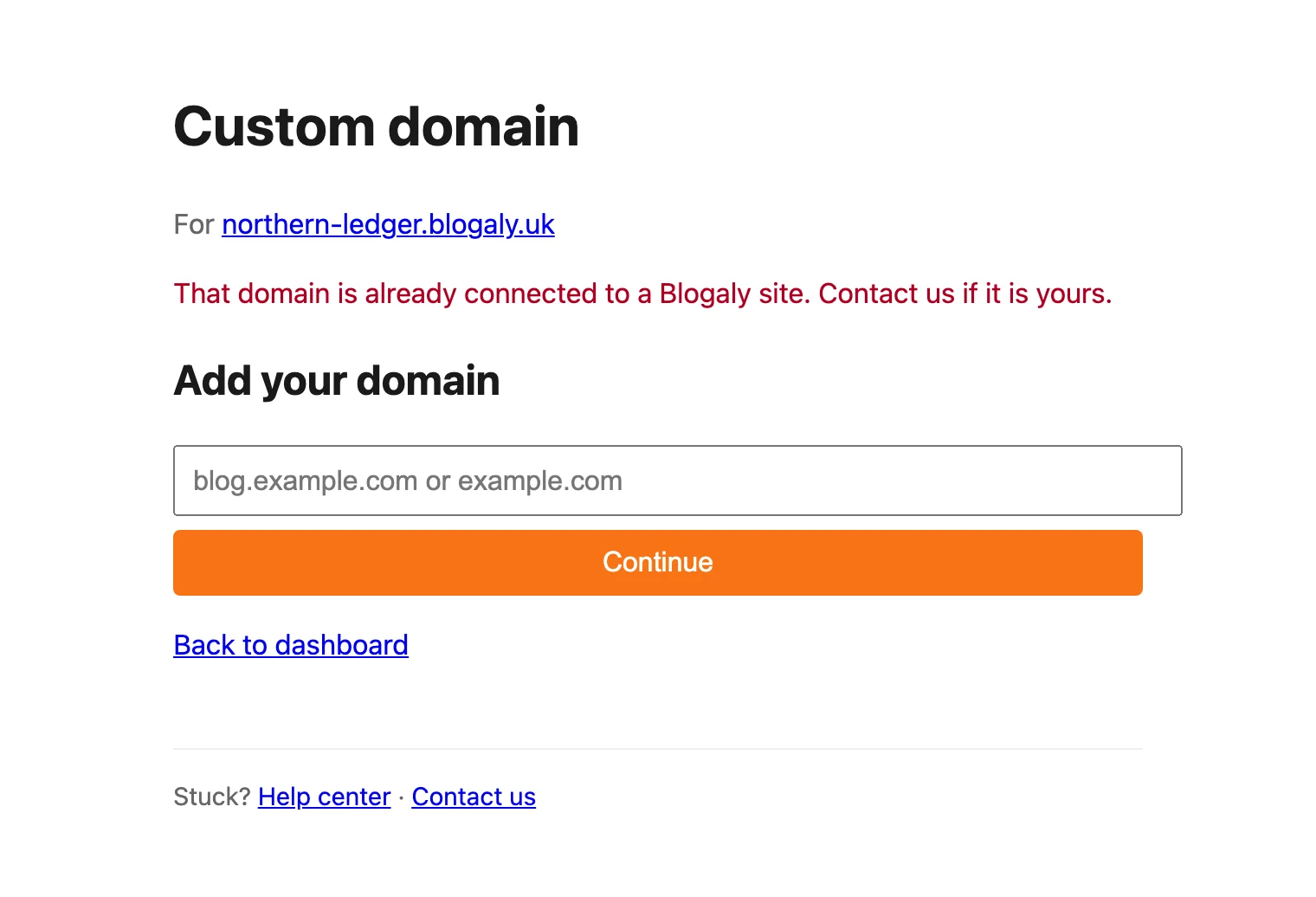
These appear straight after you select Continue, before any records are listed. Nothing was saved, so fix the domain and try again.
| Message | What to do |
|---|---|
| Enter a domain, like blog.example.com or example.com. | The box was empty. Type your domain. |
| Enter a domain name only, like blog.example.com, without https:// or a path. | The domain has characters a domain can’t have, such as spaces, underscores or @, or it has no dot. Type just the name, like news.example.com. |
| Enter a domain name, not an IP address. | Type the domain name instead. |
| That domain is not on the public internet. | Names ending in .local, .test, .example, .internal, .lan, .home, .corp and similar never work on the internet. Use a domain you registered. |
| That is a Blogaly address. Enter a domain you own. | Addresses under blogaly.uk or blogaly.com are ours. Your blogaly.uk address already works without adding it here. |
| That domain is too long. | Domains can be at most 253 characters. |
| This site already has a domain. Remove it first to use another one. | Each site has one custom domain at a time. See change or remove your domain. |
| That domain is already connected to a Blogaly site. Contact us if it is yours. | Another Blogaly site has claimed it, perhaps one of your own or a previous attempt by someone else. An unverified claim is released after 7 days. If the domain is yours, contact us. |
| The site must be live to add a domain. | Your site is still being created or is paused. Wait until the dashboard shows it as live. If it’s paused, see why a site is paused. |
| Too many attempts. Try again in a few minutes. | Wait ten minutes, then try again. |
“Couldn’t connect”
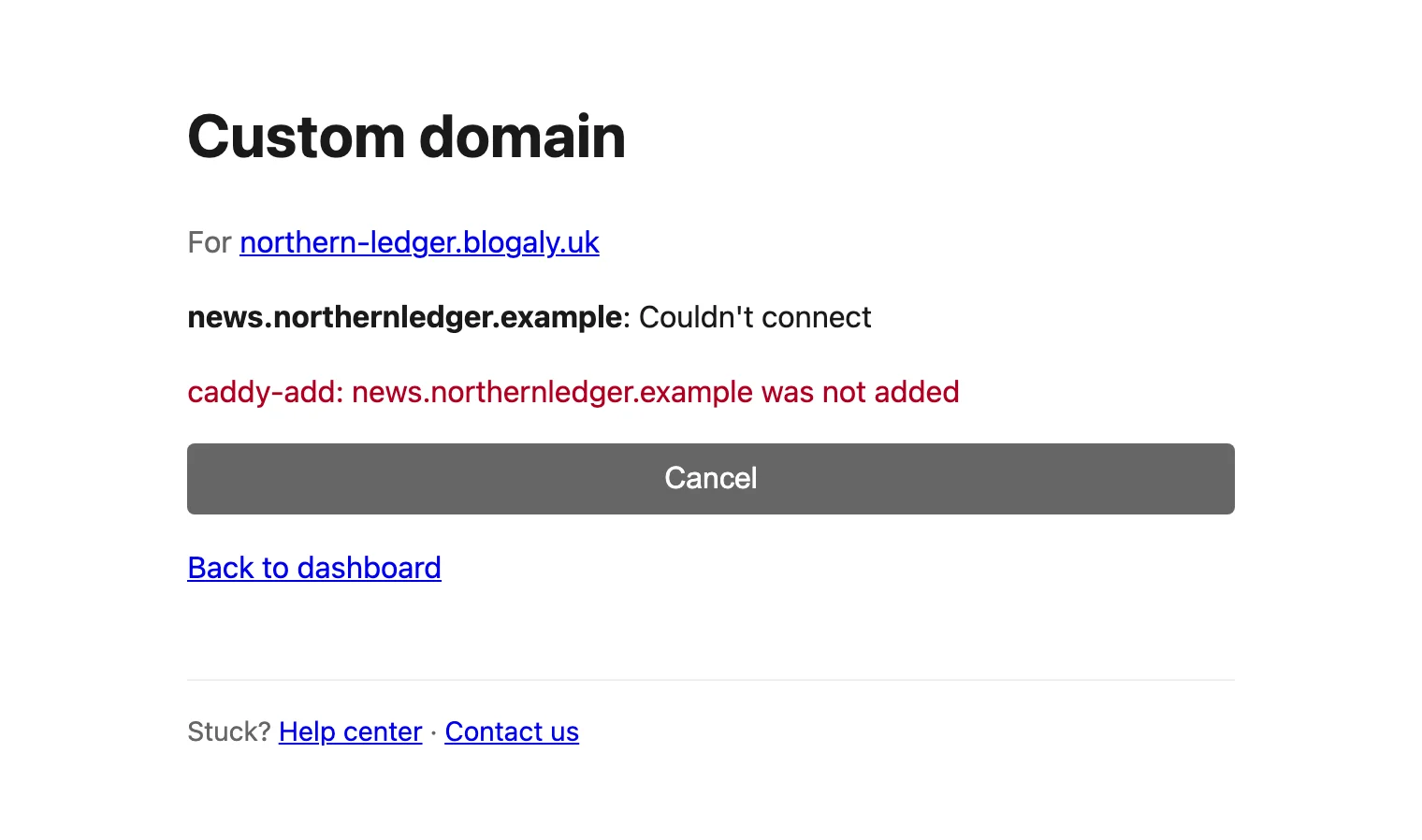
Your records passed, but connecting the domain on our side failed. The red line below the status is the technical reason, and isn’t always written for people. For example:
- Select Cancel. This releases the domain.
- Under Use another domain, enter the same domain again and select Continue.
- The TXT value is new each time you add a domain. Update the TXT record at your DNS provider with the new value; the CNAME or A records stay the same.
- Select I’ve added them — check now.
If it fails a second time, contact us and include the red message exactly as shown.
“Expired”
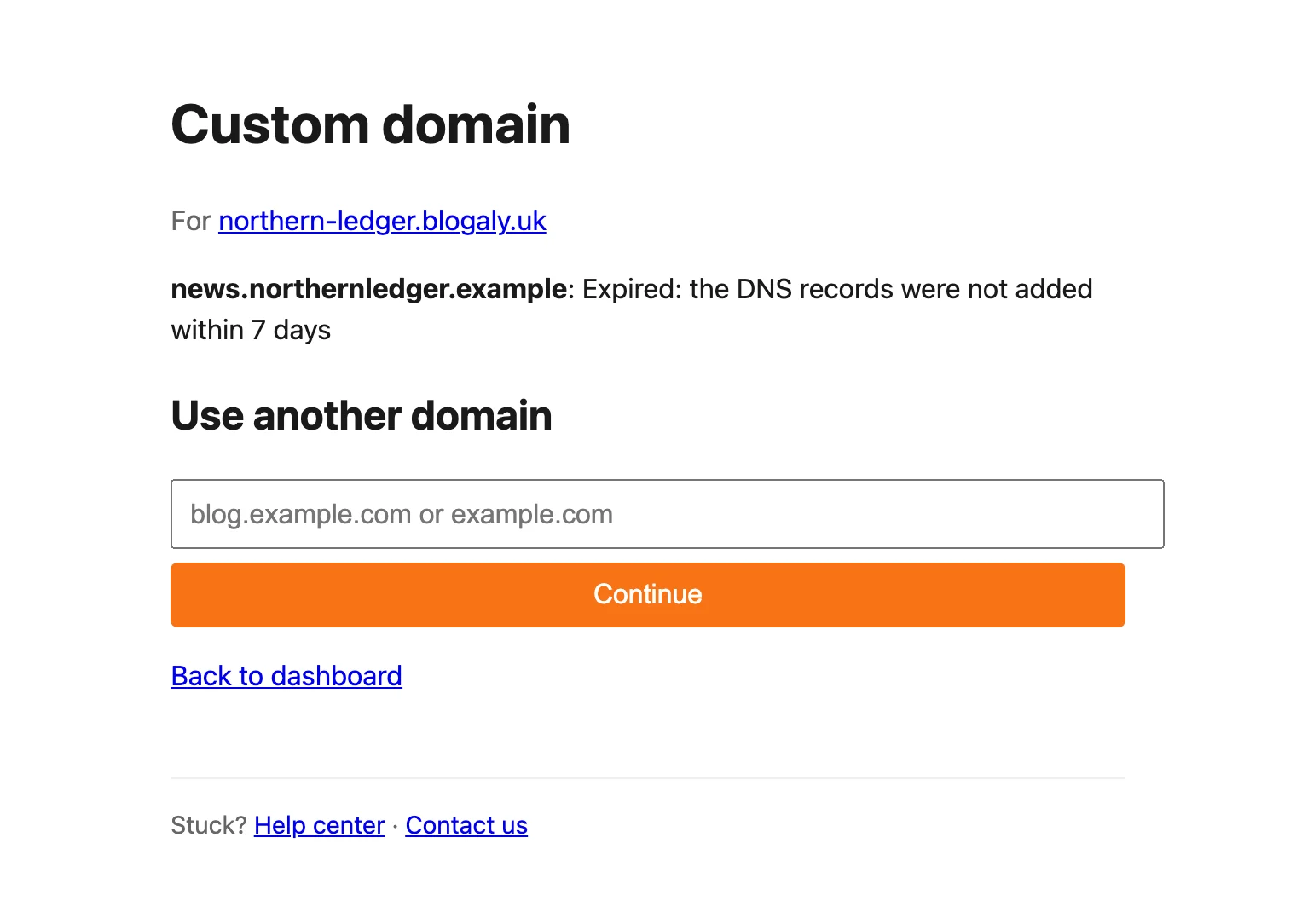
Expired: the DNS records were not added within 7 days means we stopped checking. The domain is released. Add it again under Use another domain, and update the TXT record with the new value shown.
Connected, but HTTPS isn’t working yet
If the page says Connected with the note Connected. The HTTPS certificate is still being issued; give it a few more minutes., your domain is set up and the certificate is on its way. Visitors may see a security warning until it arrives. Wait 10 to 15 minutes and reload your site.
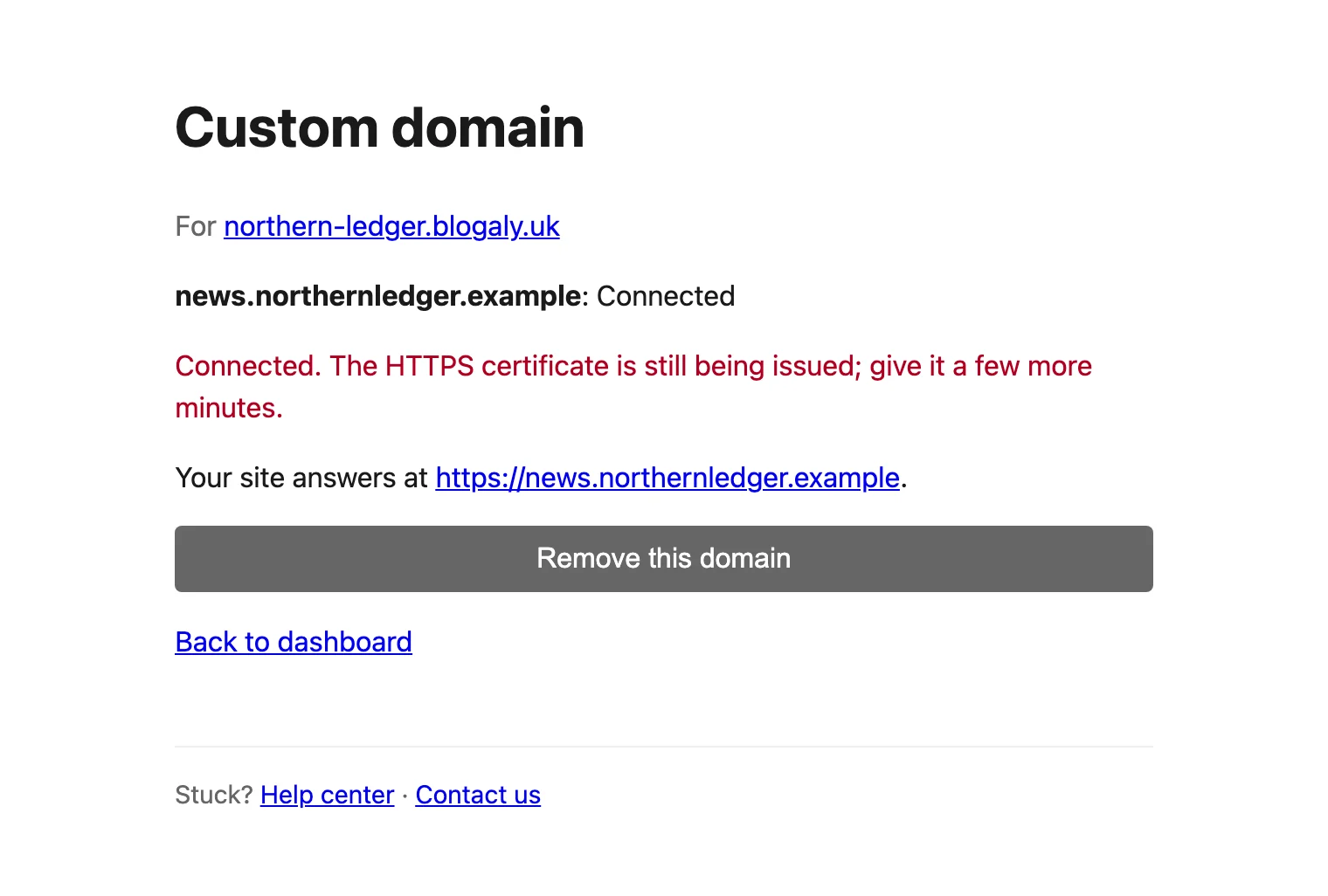
If there’s still no certificate after an hour, check that you haven’t added a CAA record that only allows another certificate authority, and that the record isn’t proxied. Then contact us.
Other things to check
- Can’t find Custom domain next to your site? It only shows when the site is live. It’s hidden while the site is being created and while it’s paused.
- Removing a domain shows Couldn’t be removed — contact us? Contact us. Your blogaly.uk address keeps working meanwhile.
- Changed the records after a failed check? You don’t need to keep pressing the button. We check every 10 minutes.
- Want to look up your records yourself? A free public DNS lookup tool shows what the rest of the internet sees for your TXT, A, AAAA and CNAME records.
Last checked against the product on 7 November 2026.
Related
Still stuck?
Tell us what you were trying to do and what you saw, and we’ll help you sort it out.
Contact us