FirstPromoter
Run a referral or affiliate programme with FirstPromoter: connect your account ID and new signups are credited to whoever referred them.
Who can do this: Administrators and the site owner, on every plan. You need a FirstPromoter account.
FirstPromoter is a referral and affiliate service. Your readers or partners get their own referral links; when someone arrives through one and signs up, FirstPromoter credits the person who sent them. You set up the programme, rewards and payouts in FirstPromoter. Blogaly’s part is adding FirstPromoter’s tracking to your site and telling it about new signups.
1. Find your FirstPromoter account ID
Sign in to FirstPromoter and look in your account’s settings for the tracking or integration details. Your account ID is a short code of letters and numbers, also used in FirstPromoter’s own tracking script. Copy it.
2. Connect it to your site
- In your site’s admin, go to Settings → Advanced → Integrations and select FirstPromoter.
- Switch on Enable FirstPromoter.
- Paste your ID into FirstPromoter account ID.
- Select Save, then Close.
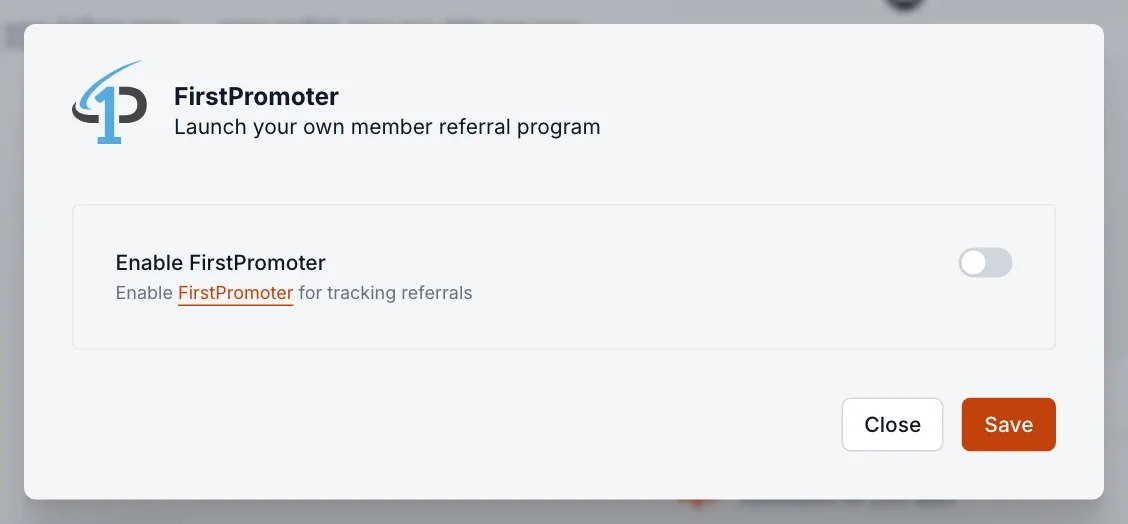
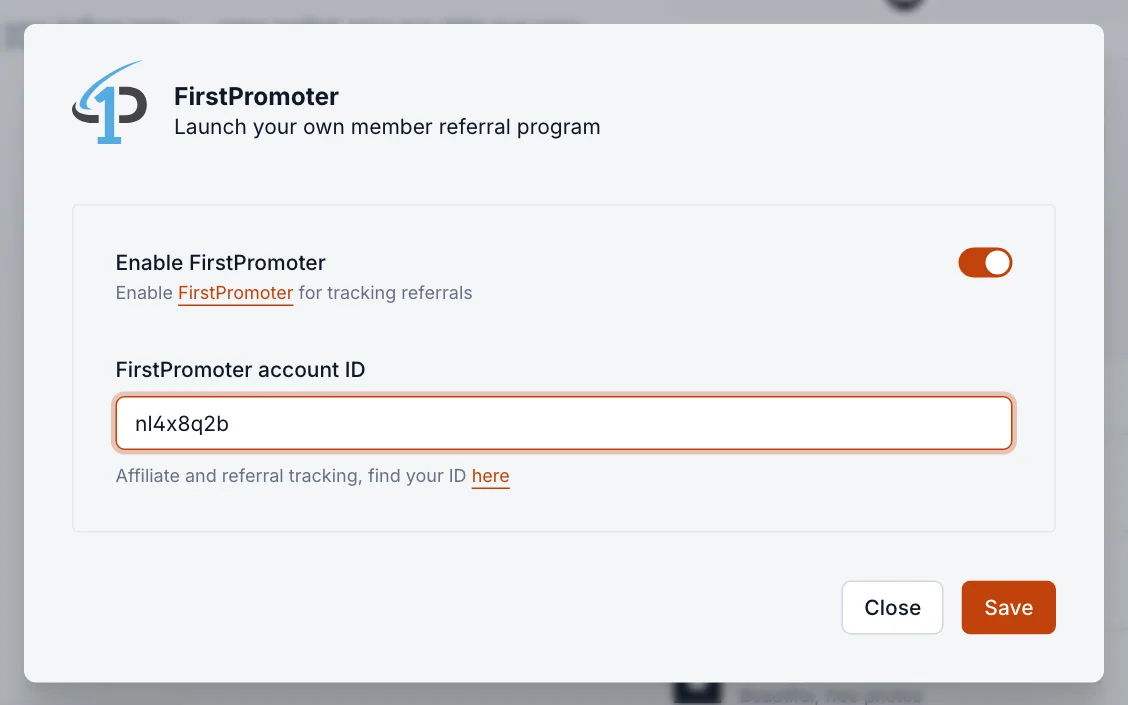
FirstPromoter now shows as Active in your integrations list.
How tracking works
- When a visitor arrives through a referral link, FirstPromoter’s script on your site remembers who referred them.
- When that visitor signs up as a member, your site reports the signup (their email address) to FirstPromoter, which credits the referrer.
- To reward referrals that become paid subscriptions, connect the Stripe account your site uses to FirstPromoter as well, in FirstPromoter’s settings. See connect Stripe.
Good to know
- Turning FirstPromoter on loads its script for your visitors and shares new members’ email addresses with FirstPromoter. Mention it in your privacy policy.
- Test it before you announce the programme: open a referral link in a private browser window, sign up with a test address, and check that the signup shows in FirstPromoter.
- To stop tracking, switch Enable FirstPromoter off and select Save. Existing referral data stays in FirstPromoter.
- FirstPromoter is a separate service with its own pricing. Questions about rewards and payouts go to FirstPromoter.
Last checked against the product on 7 November 2026.
Related
Still stuck?
Tell us what you were trying to do and what you saw, and we’ll help you sort it out.
Contact us